White-label Design & Theming
Your product’s look and feel set from the back office, with colour themes, languages and display settings users choose in the app.
- Individual app
- Business app
- Back office
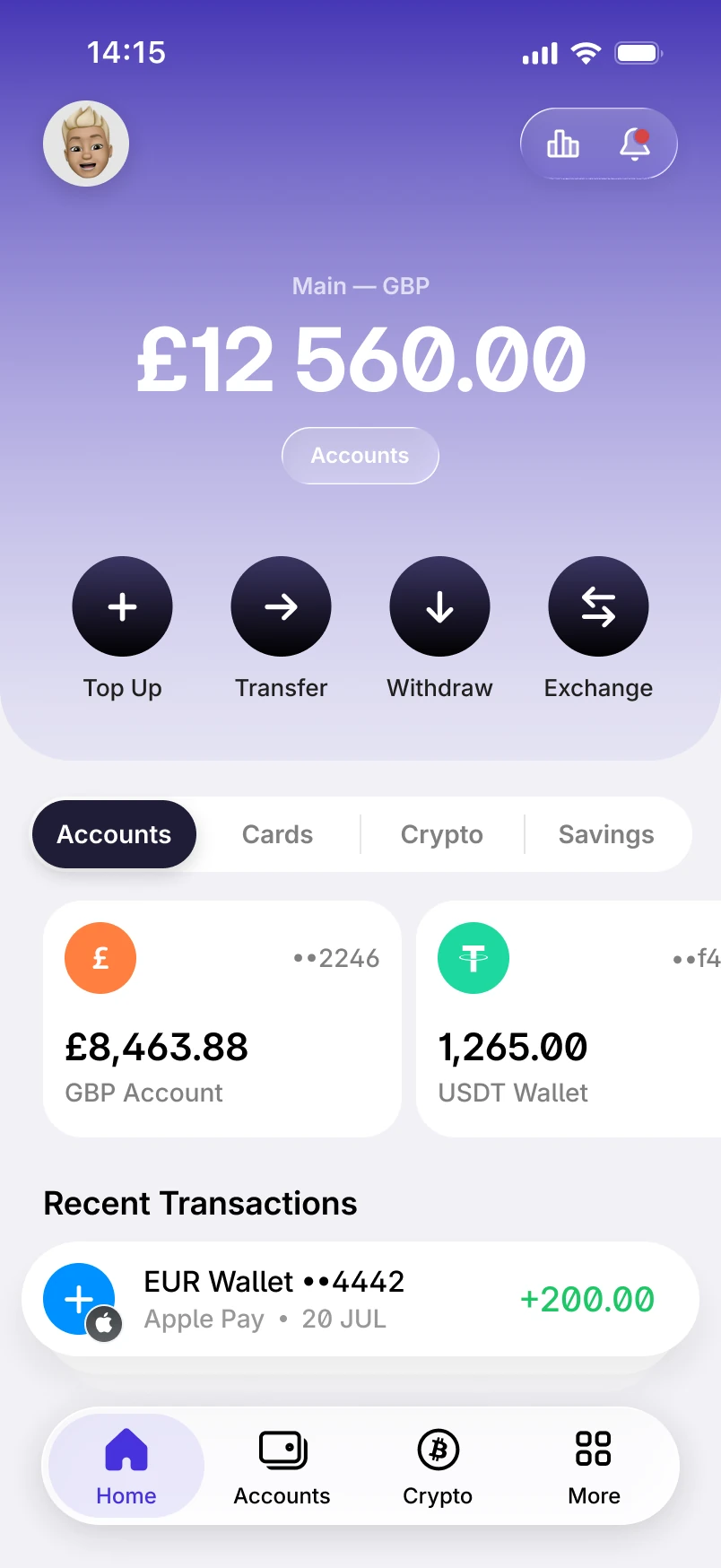
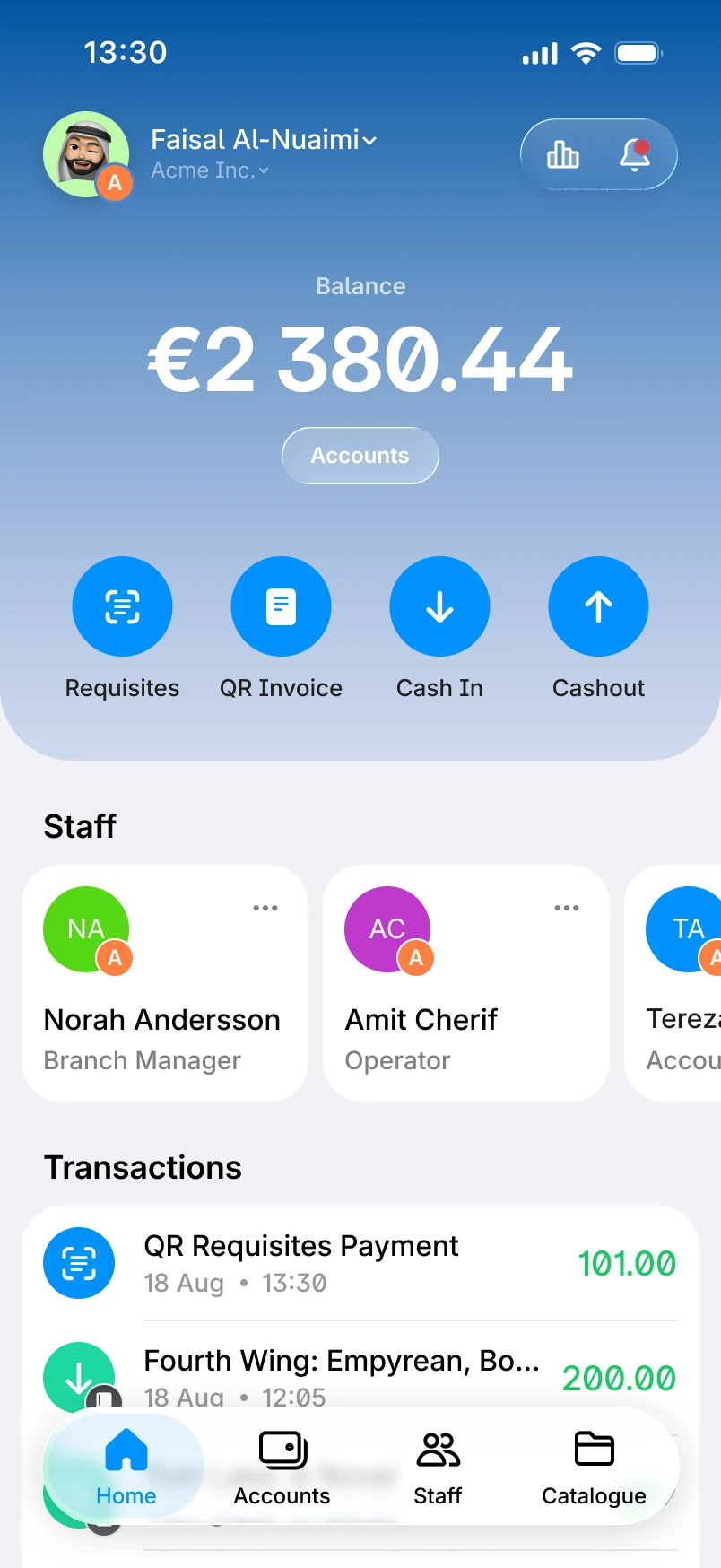
Your brand, your languages
The same product, in your colours
coming from the materials brief
Brand and theme settings
Staff set the product’s look and feel from the back office.
coming from the materials brief
Colour themes
Users choose between the app’s colour themes.
coming from the materials brief
Languages and display settings
The app is translated, and users choose their language and how decimals are shown in amounts.
Checklist
All 4 White-label Design & Theming features
Where each one is available. The full feature list covers every module.
| Feature | Individual app | Business app | Back office |
|---|---|---|---|
| Colour themesUsers choose between the app’s colour themes. | Individual appAvailable | Business appAvailable | Not available |
| Languages and translationsThe app is translated, and users choose their language. | Individual appAvailable | Business appAvailable | Not available |
| Decimal display settingsUsers choose how decimals are shown in amounts. | Individual appAvailable | Business appAvailable | Not available |
| Brand and theme settingsStaff set the product’s look and feel from the back office. | Not available | Not available | Back officeAvailable |
Case studies
Different products, each under its own brand


Related modules
Modules that work with this one

Back Office
Staff access, administrator roles and permissions, and a card for every user.

Notifications, Content & Support
Push, SMS and email notifications, news, help and legal content, and support requests.

Customer Onboarding
Custom onboarding journeys with built-in KYC/KYB, approval rules and leading verification providers.
From the blog
Further reading


Frequently asked questions
Yes. Staff set the product’s look and feel from the back office.
The app is translated, and users choose their language. Ask us about the languages your market needs.
Yes, between the app’s colour themes.