Restore a forgotten password
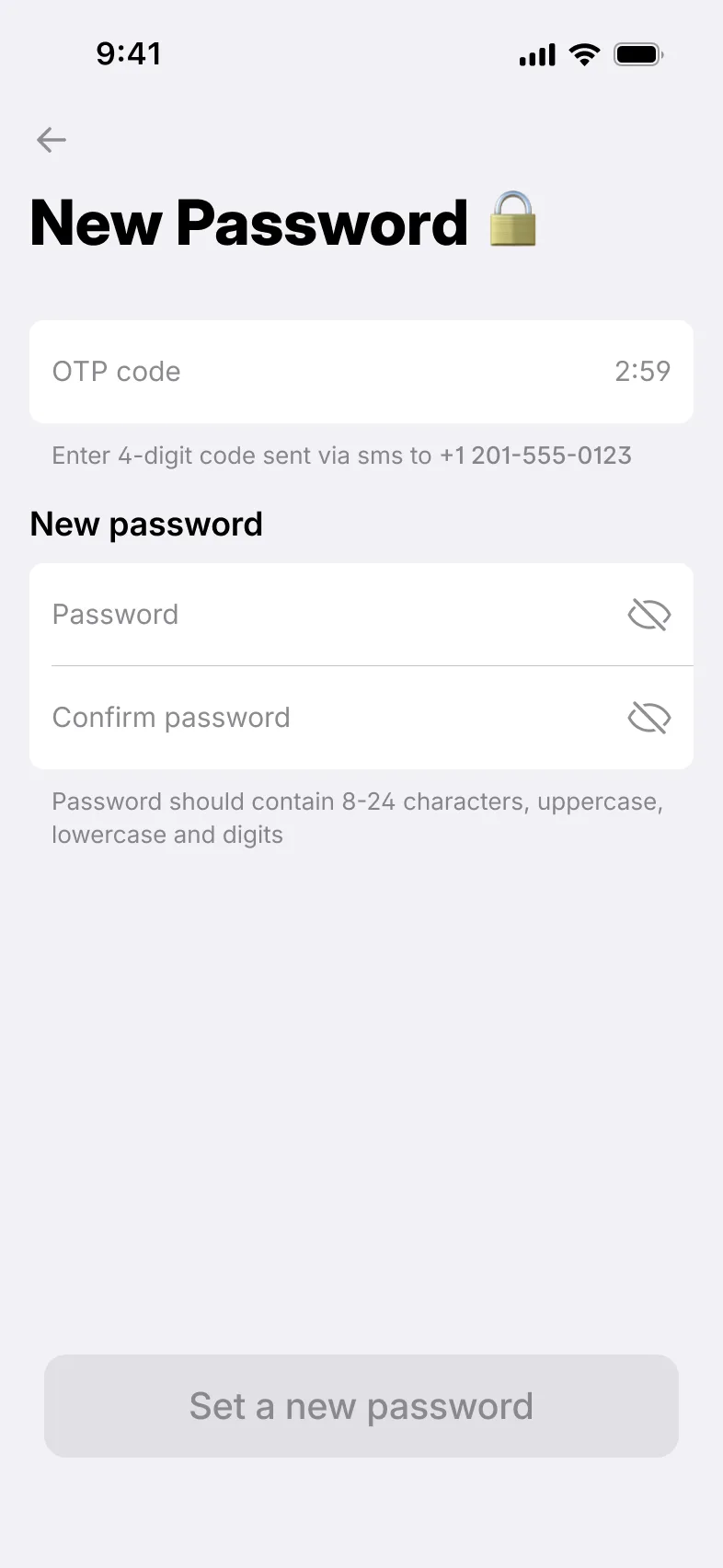
A one-time code sent by SMS lets users set a new password.
- One-time code sent by SMS
- In the individual and business apps
Passwords, PIN codes and security questions, self-service recovery when users forget them, and a full session history in the back office.
Access recovery
A one-time code sent by SMS lets users set a new password.
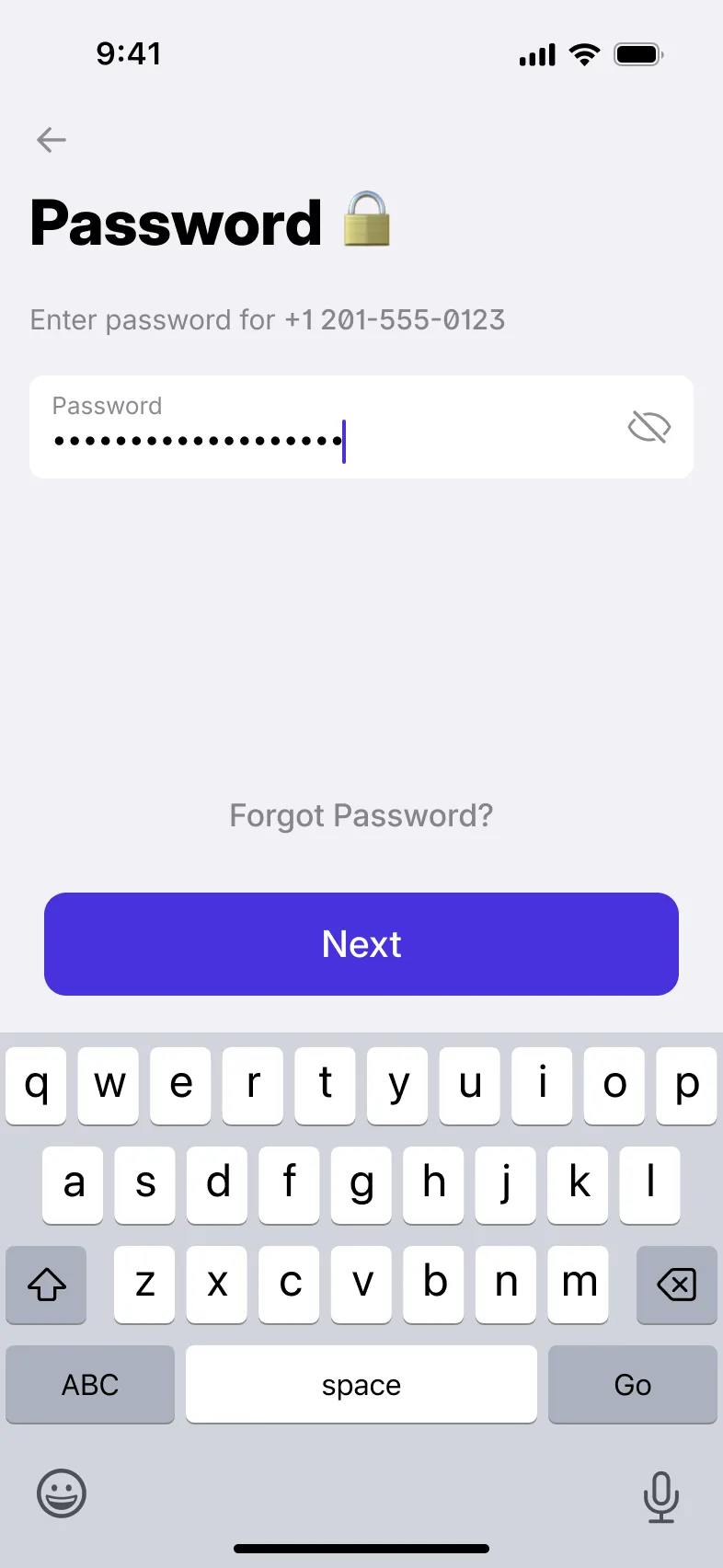
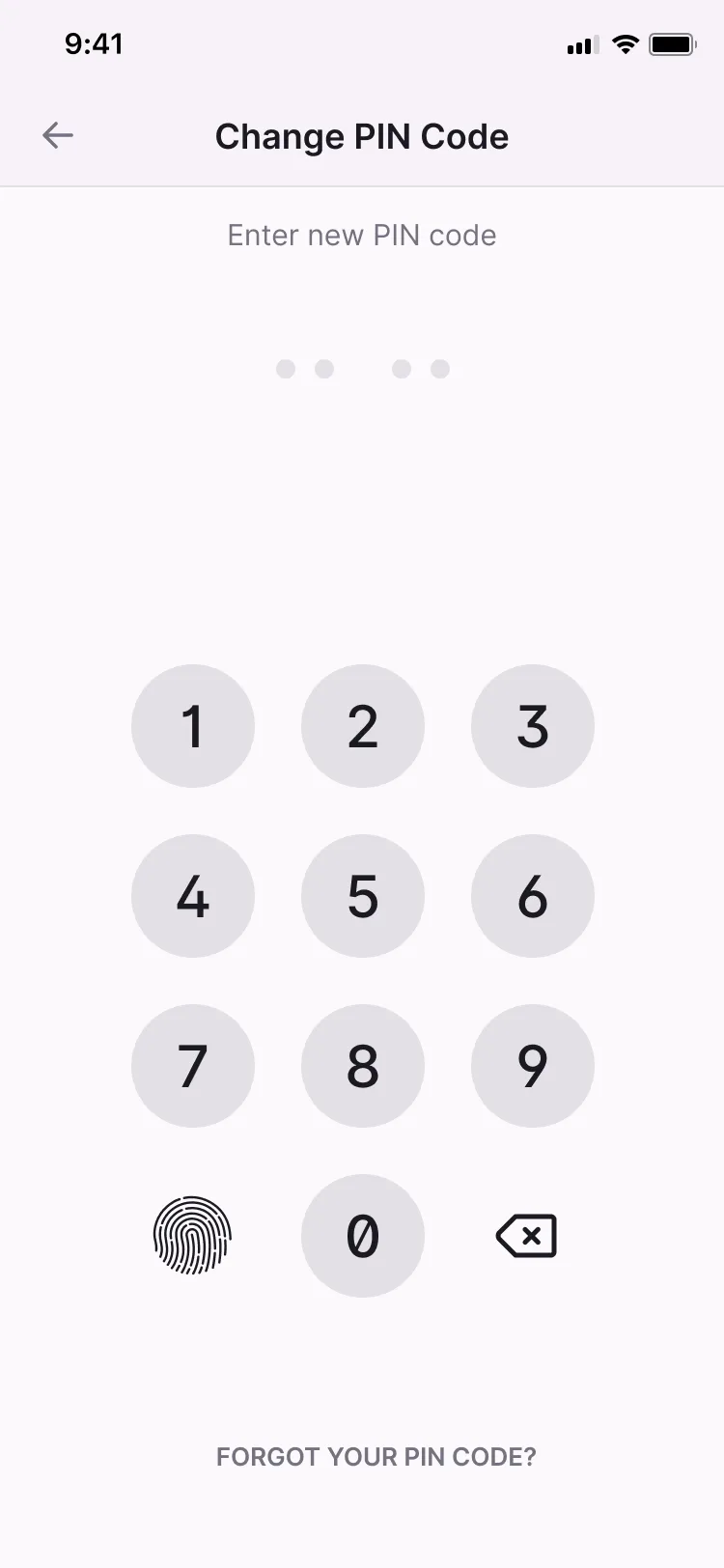
Users who forget their PIN restore it by entering their password.
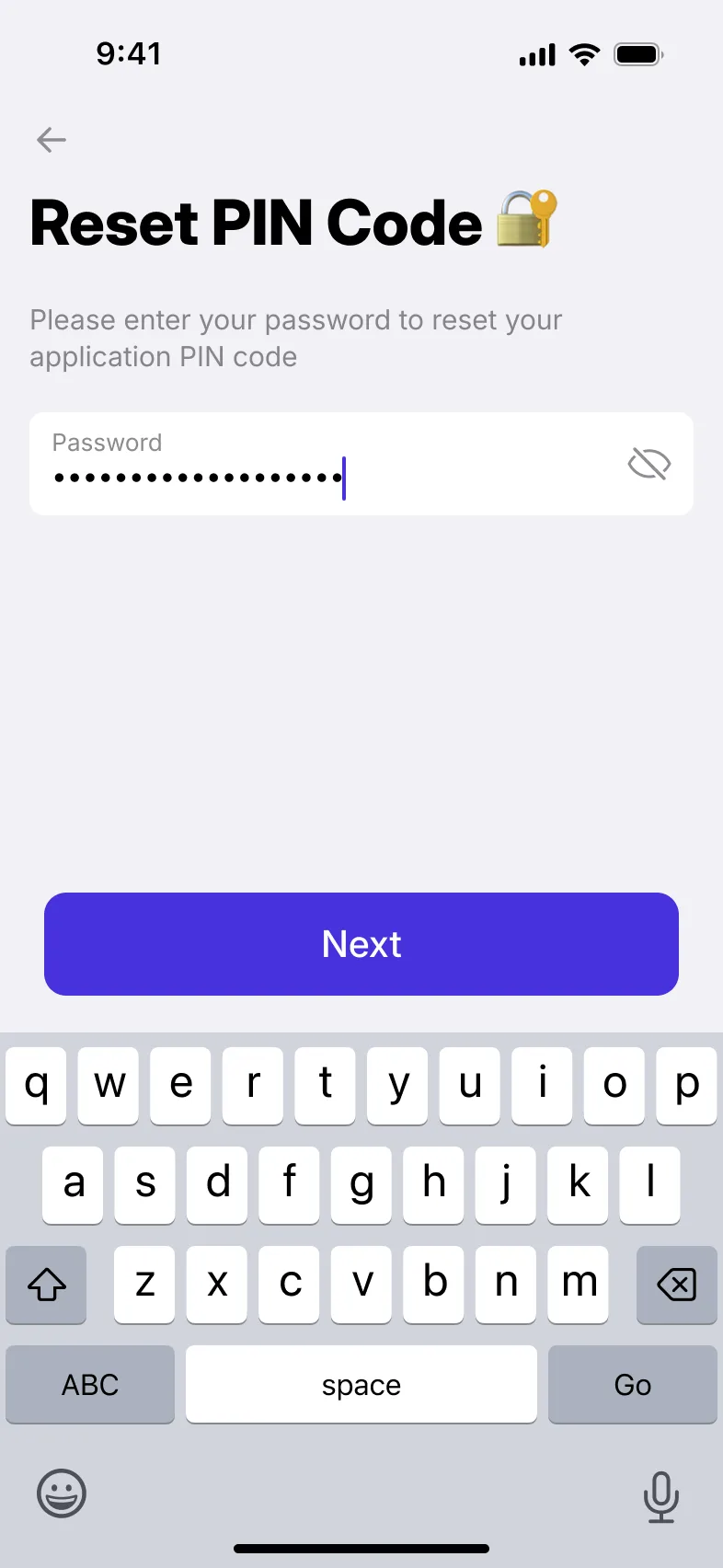
Users change their password after confirming a one-time code sent by SMS, and their PIN after confirming their password.
Sign-in
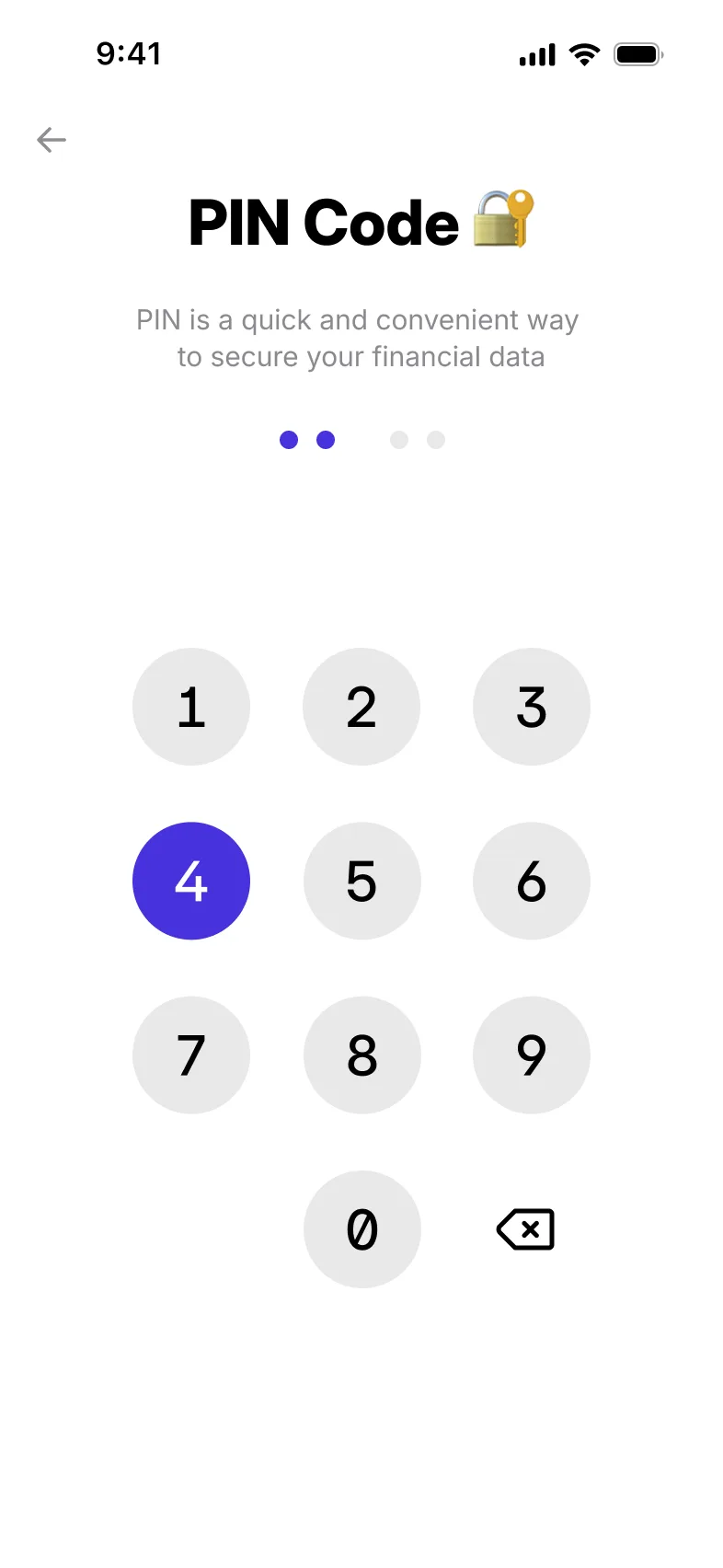
Users set a password and a PIN code during sign-up. The PIN gives quick everyday access, and the password restores a forgotten PIN.
Security questions add a further check on the user’s identity.
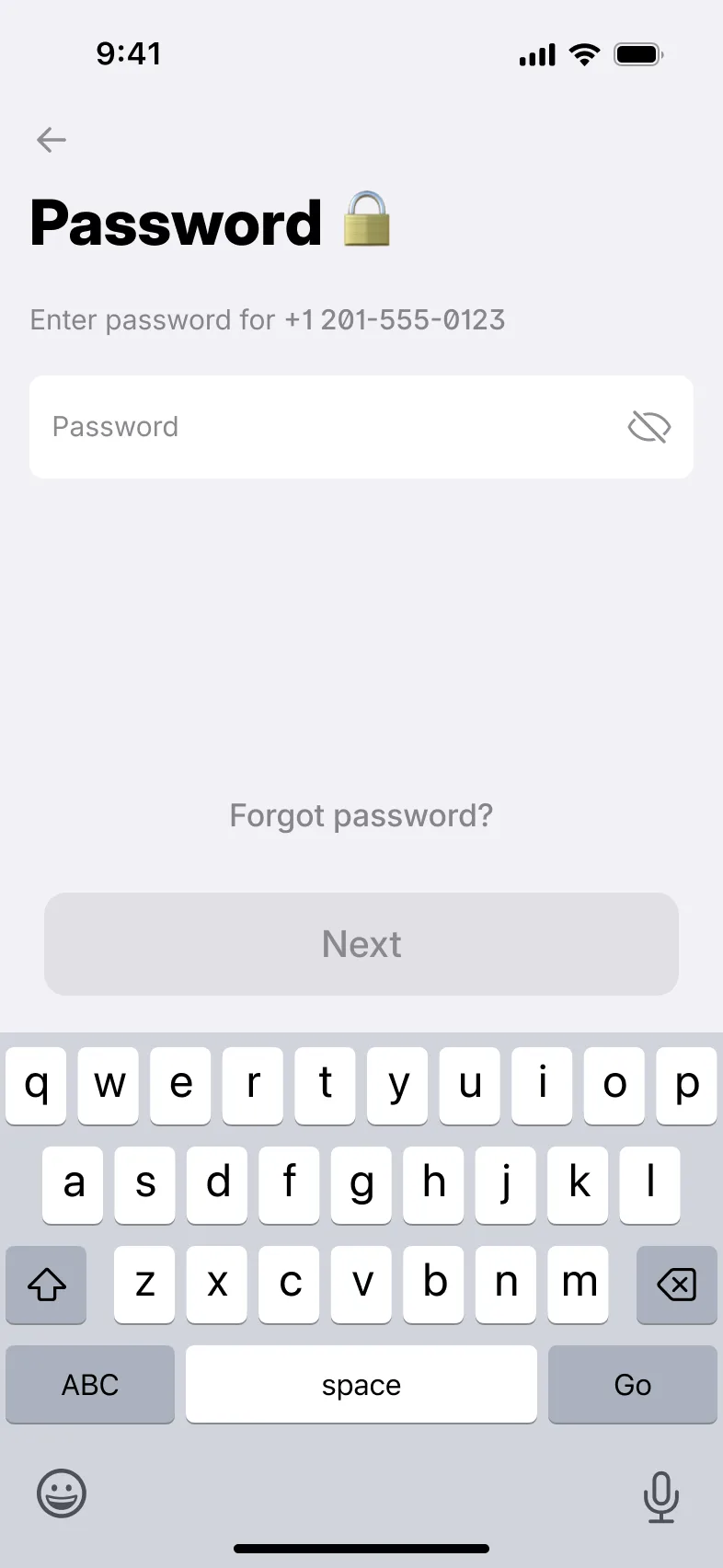
Sign-in is not one fixed flow: different login scenarios are supported in both the individual and business apps.
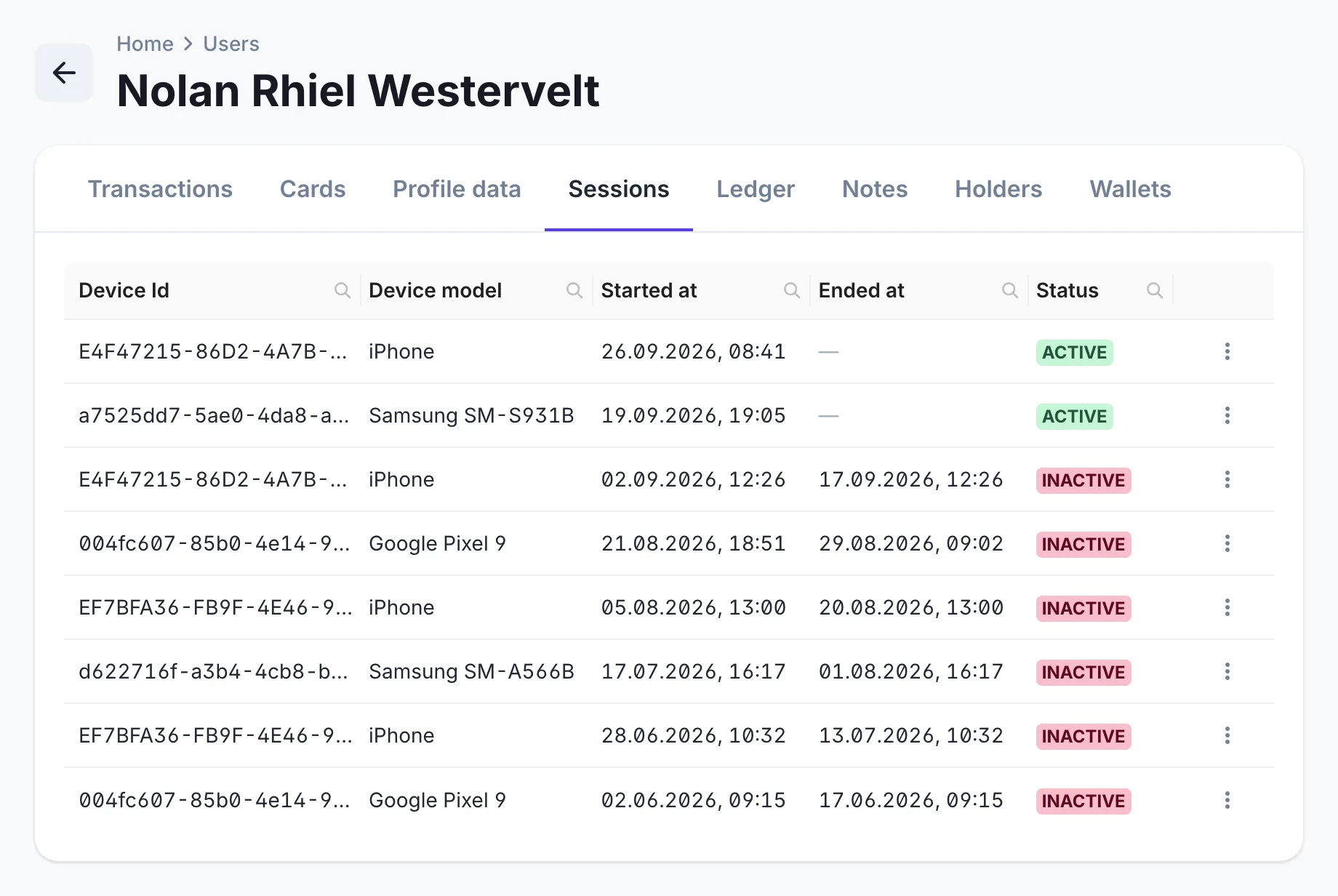
Each user’s card in the back office lists every session they have opened: the device ID and model, when it started and ended, and whether it is still active.
Your security team can see where and when an account has been used.
Checklist
Where each one is available. The full feature list covers every module.
| Feature | Individual app | Business app | Back office |
|---|---|---|---|
| Set a passwordUsers set a password during sign-up; it also restores a forgotten PIN. | Individual appAvailable | Business appAvailable | Not available |
| Set a PIN codeUsers set a PIN code for quick everyday access to the app. | Individual appAvailable | Business appAvailable | Not available |
| Security questionsUsers set security questions as an extra check on their identity. | Individual appAvailable | Business appAvailable | Not available |
| LoginReturning users sign in to the app. | Individual appAvailable | Business appAvailable | Not available |
| Configurable login scenariosDifferent sign-in scenarios are supported, rather than a single fixed login flow. | Individual appAvailable | Business appAvailable | Not available |
| Restore password via SMS OTPUsers who forget their password restore it with a one-time code sent by SMS. | Individual appAvailable | Business appAvailable | Not available |
| Restore PIN via passwordUsers who forget their PIN restore it by entering their password. | Individual appAvailable | Business appAvailable | Not available |
| Reset password via SMS OTPUsers change their password after confirming a one-time code sent by SMS. | Individual appAvailable | Business appAvailable | Not available |
| Reset PIN via passwordUsers change their PIN after confirming their password. | Individual appAvailable | Business appAvailable | Not available |
| Session managementUsers see where they are signed in and manage their active sessions. | Individual appAvailable | Not available | Not available |
| Log outUsers sign out of the app on their device. | Individual appAvailable | Not available | Not available |
| Session historyStaff see every session a user has opened: device ID and model, start and end time, and status. | Not available | Not available | Back officeAvailable |
Related modules

Custom onboarding journeys with built-in KYC/KYB, approval rules and leading verification providers.

Verification tiers, statuses and permissions, an external KYC provider and a back-office review queue.

Staff access, administrator roles and permissions, and a card for every user.
From the blog
Users set a password and a PIN code during sign-up and sign in to the individual and business apps. Different login scenarios are supported rather than one fixed flow.
They recover it themselves. A forgotten password is restored with a one-time code sent by SMS, and a forgotten PIN is restored with the password.
Staff sign up and sign in to the back office by email, confirm their email with a one-time code, and reset or restore their password by email.
Yes. Each user’s card in the back office lists every session with the device ID and model, start and end time, and status, so your team can see where and when an account has been used.