Users submit their data
Individuals and businesses provide the identity data needed to verify them, from inside the app.
- KYC for people, KYB for businesses
- Checks through an external KYC provider
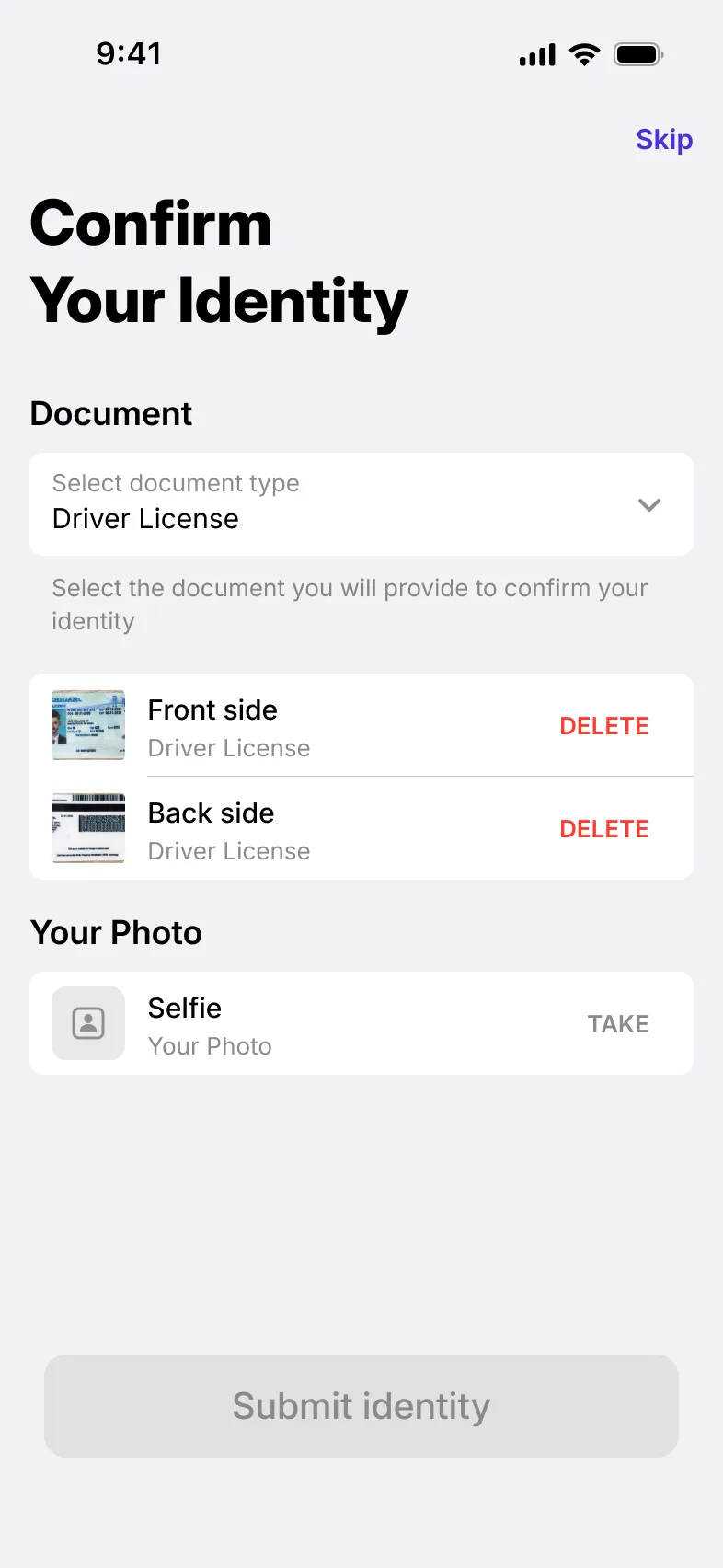
Verification tiers with their own limits and permissions, statuses users can follow, an external KYC provider, and a review queue for your compliance team.
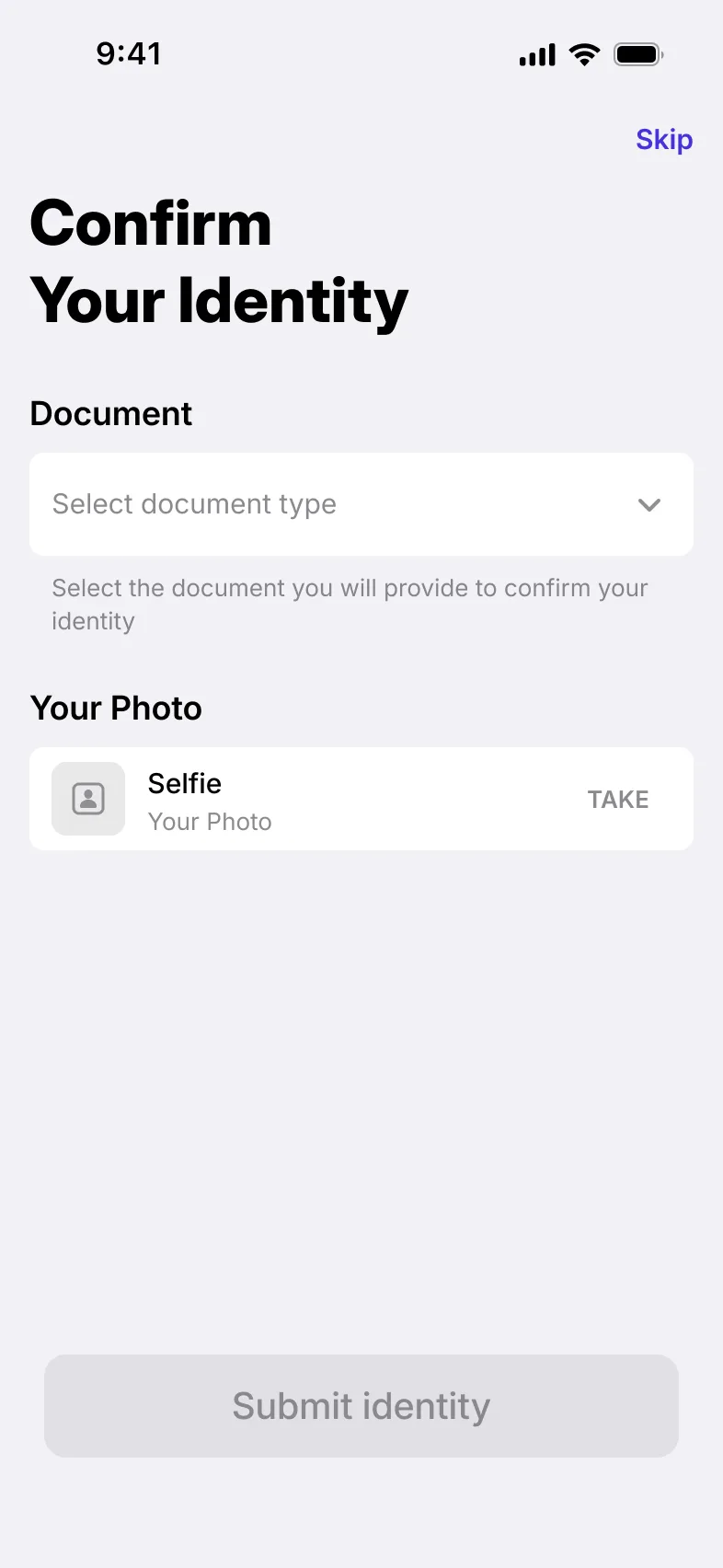
How verification works
Individuals and businesses provide the identity data needed to verify them, from inside the app.
Each request lands in a back-office queue, where staff search, filter and open a single review card.
The app always shows where a verification stands.
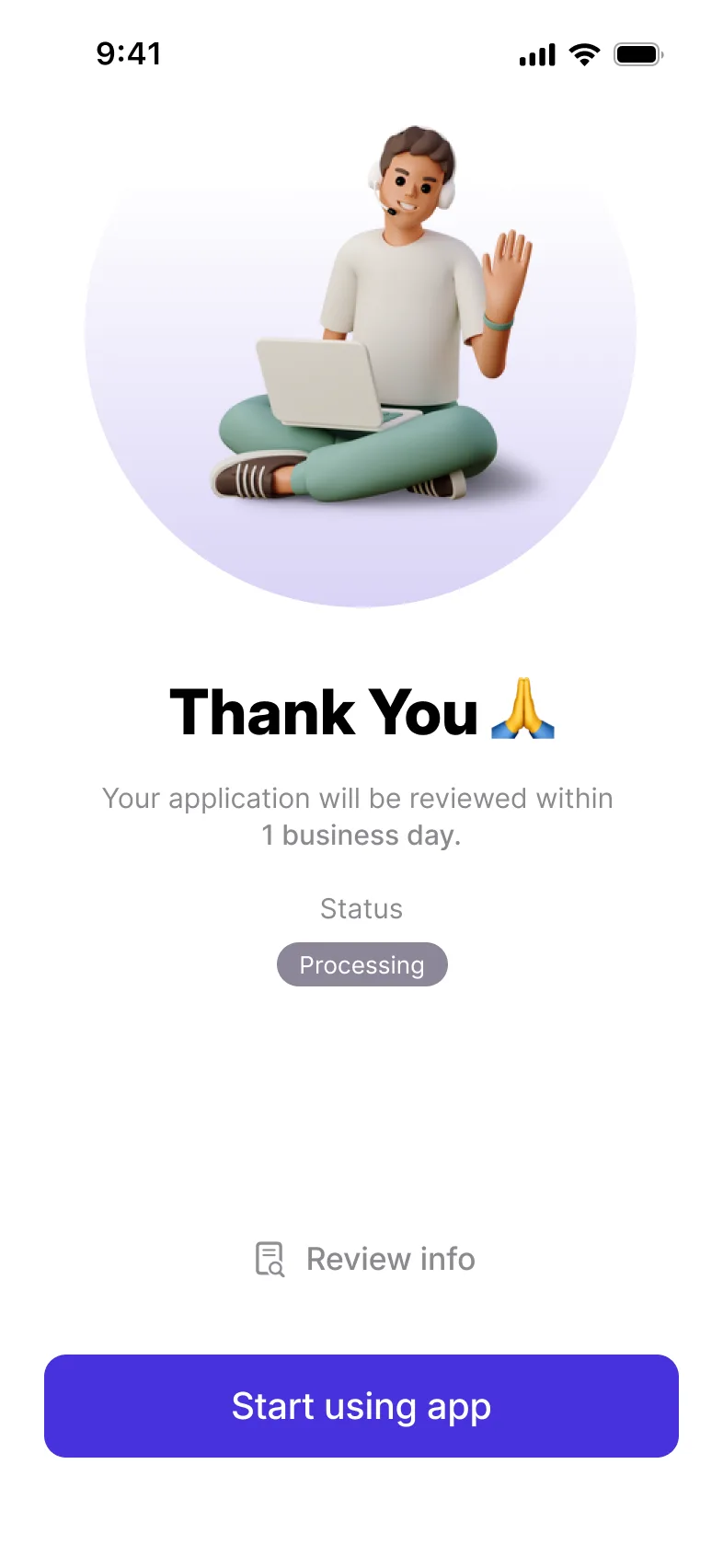
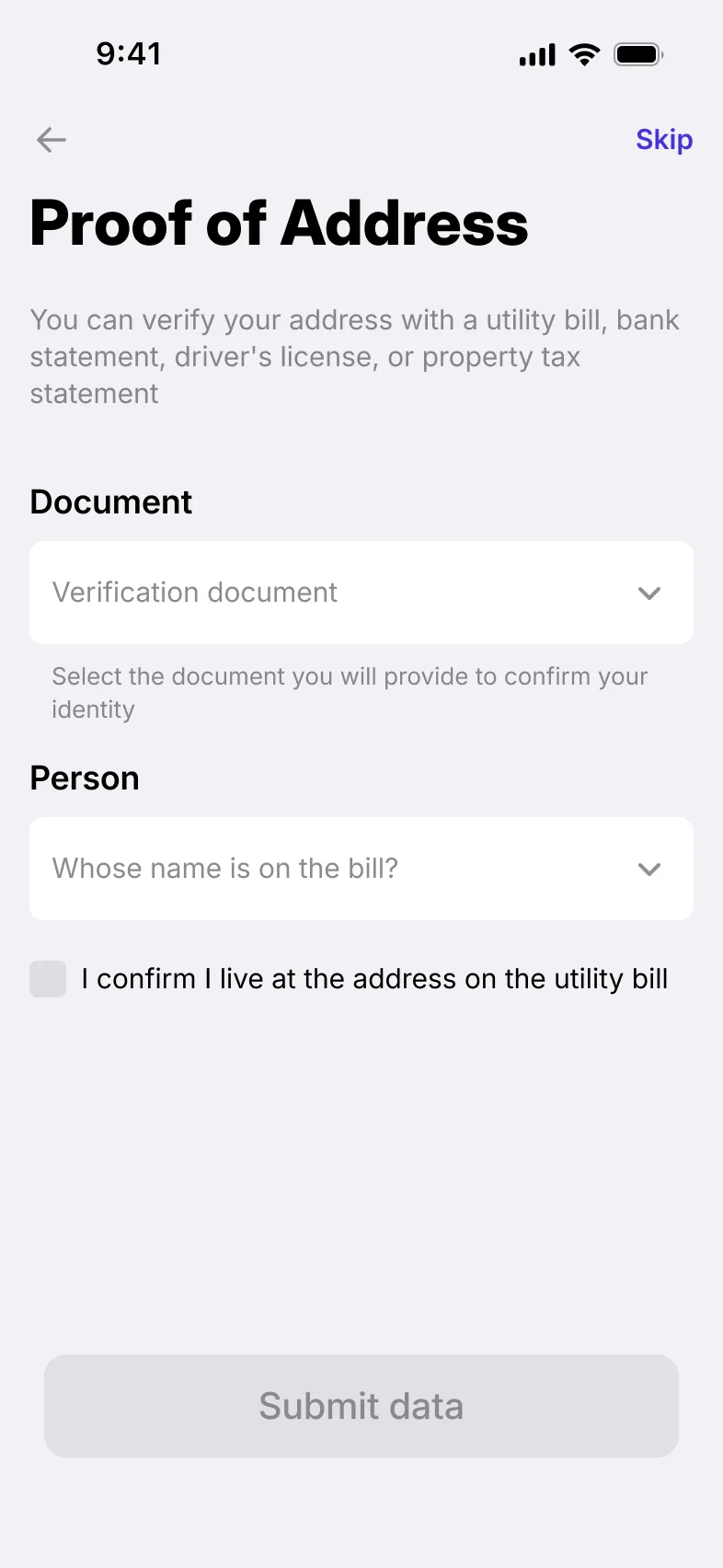
Each tier carries its own limits and permissions, so what users can do grows as they verify.
In the back office
Staff set up the verification tiers and the limits and permissions attached to each one.
In the app, what a user can do depends on the tier they have reached.
Identity checks run through an external KYC provider connected to the product, and staff manage that connection from the back office.
Checklist
Where each one is available. The full feature list covers every module.
| Feature | Individual app | Business app | Back office |
|---|---|---|---|
| KYC/KYB data managementUsers provide and update the identity data needed to verify a person or a business. | Individual appAvailable | Business appAvailable | Not available |
| Verification tiersVerification levels, each with its own limits and permissions, that users move through as they verify. | Individual appAvailable | Business appAvailable | Not available |
| Verification statusesUsers always see the current status of their verification. | Individual appAvailable | Business appAvailable | Not available |
| Tier-based permissionsWhat a user can do in the app depends on the verification tier they have reached. | Individual appAvailable | Business appAvailable | Not available |
| External KYC provider integrationIdentity checks run through an external KYC provider connected to the product. | Individual appAvailable | Business appAvailable | Not available |
| Verification queue with search and filtersStaff work through KYC and KYB requests in a searchable, filterable list. | Not available | Not available | Back officeAvailable |
| KYC/KYB review cardStaff review each verification request on a single card with its submitted data. | Not available | Not available | Back officeAvailable |
| Tier management: limits and permissionsStaff define verification tiers and the limits and permissions attached to each one. | Not available | Not available | Back officeAvailable |
| External KYC provider settingsStaff manage the connection to the external KYC provider from the back office. | Not available | Not available | Back officeAvailable |
Case studies
Related modules

Custom onboarding journeys with built-in KYC/KYB, approval rules and leading verification providers.

Fee rules, wallet and credit limits, and payment routing, set from the back office.

Staff access, administrator roles and permissions, and a card for every user.
From the blog
Yes. The module handles KYC for individuals and KYB for businesses, in both the individual and business apps.
The platform has its own KYC/KYB, and connects to external providers such as Sumsub and Onfido or to your EMI or BaaS partner’s KYC/KYB. A provider you already work with can be added. Staff manage the connection from the back office.
Each tier carries its own limits and permissions. Staff define the tiers, and what a user can do in the app depends on the tier they have reached.
In the back office: a searchable, filterable queue of KYC and KYB requests, and a review card for each one with its submitted data.