Business Accounts & Staff Roles
Business profiles with branches and staff, a role for every member and a dashboard to match, and personal and business profiles in one app.
- Business app
- Back office
Built for teams
One business, many people, the right access
coming from the materials brief
Personal and business in one app
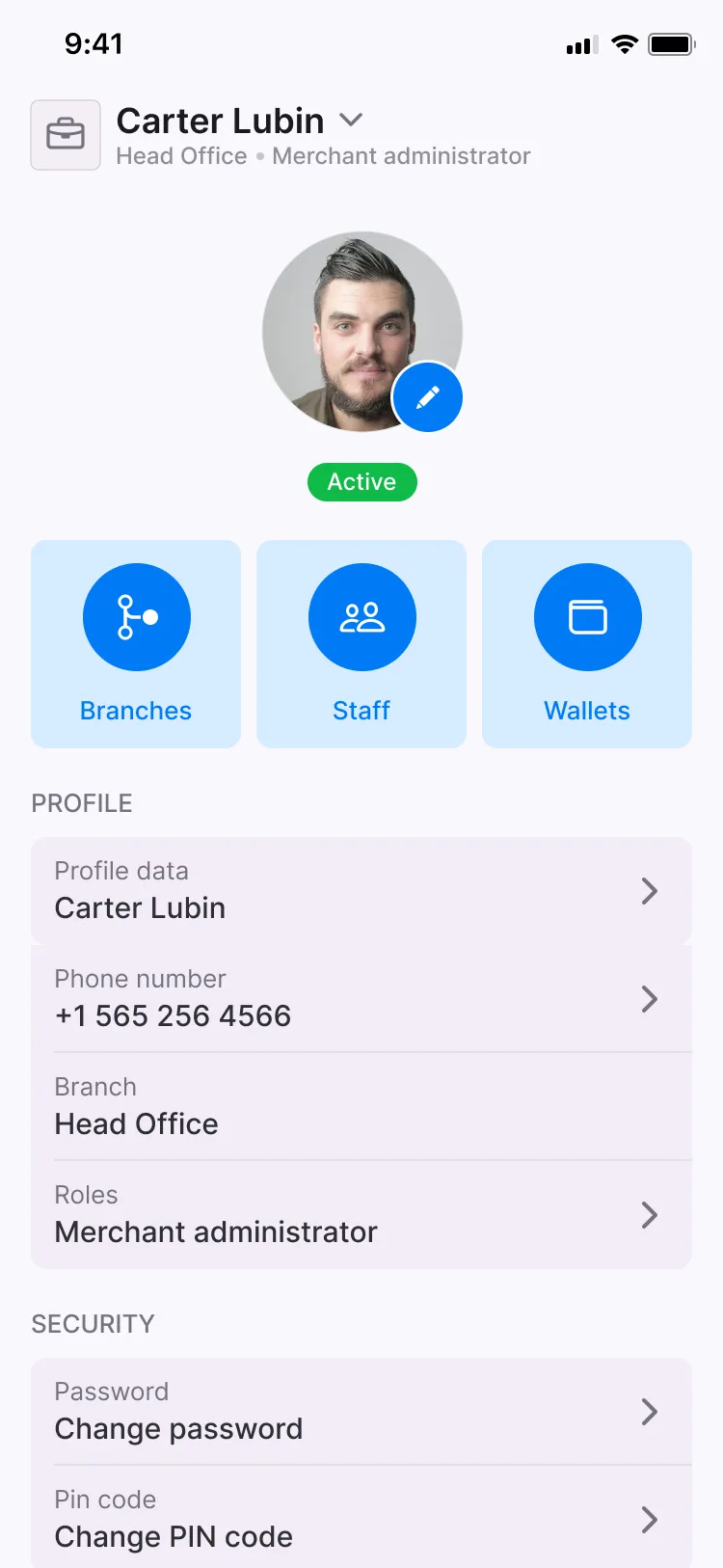
Users set up a business profile alongside their personal one and switch between them in the business app.
Roles, and a dashboard for each
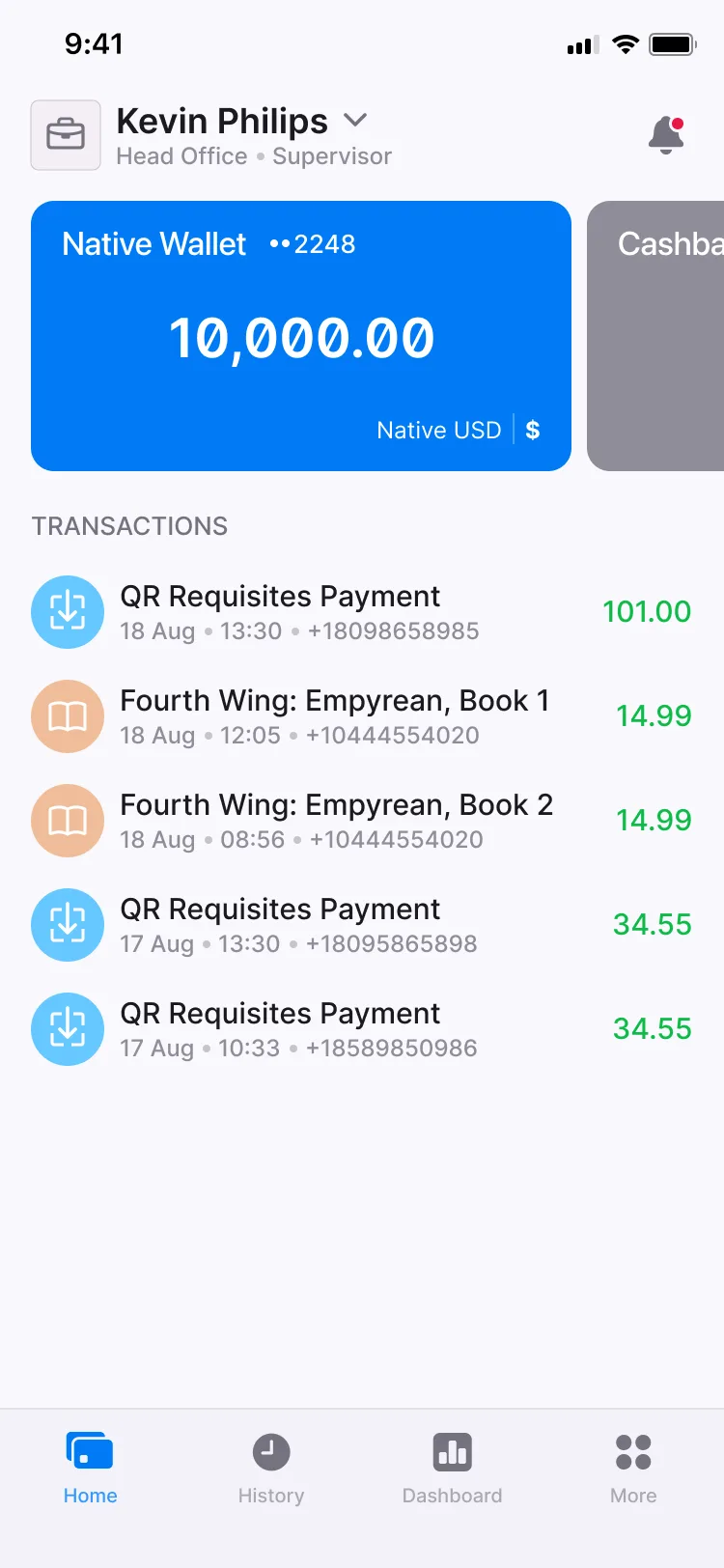
Each member of a business has a role, and each role sees a home screen suited to its work. Role shifts are supported among a business’s staff.
Staff management and bulk invitations
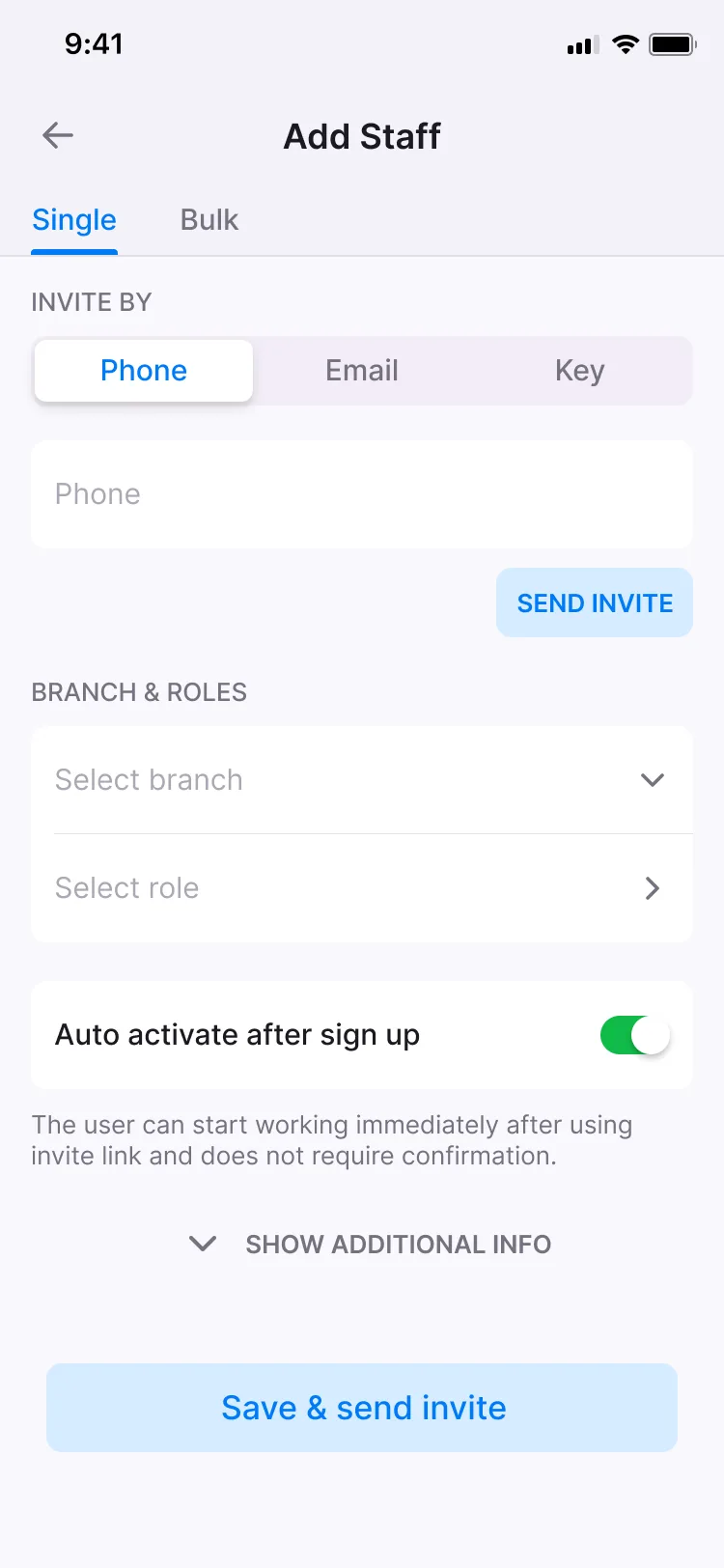
Businesses invite staff, approve or block them and remove them, and bulk invitations bring many people in at once.
Branches and business reports
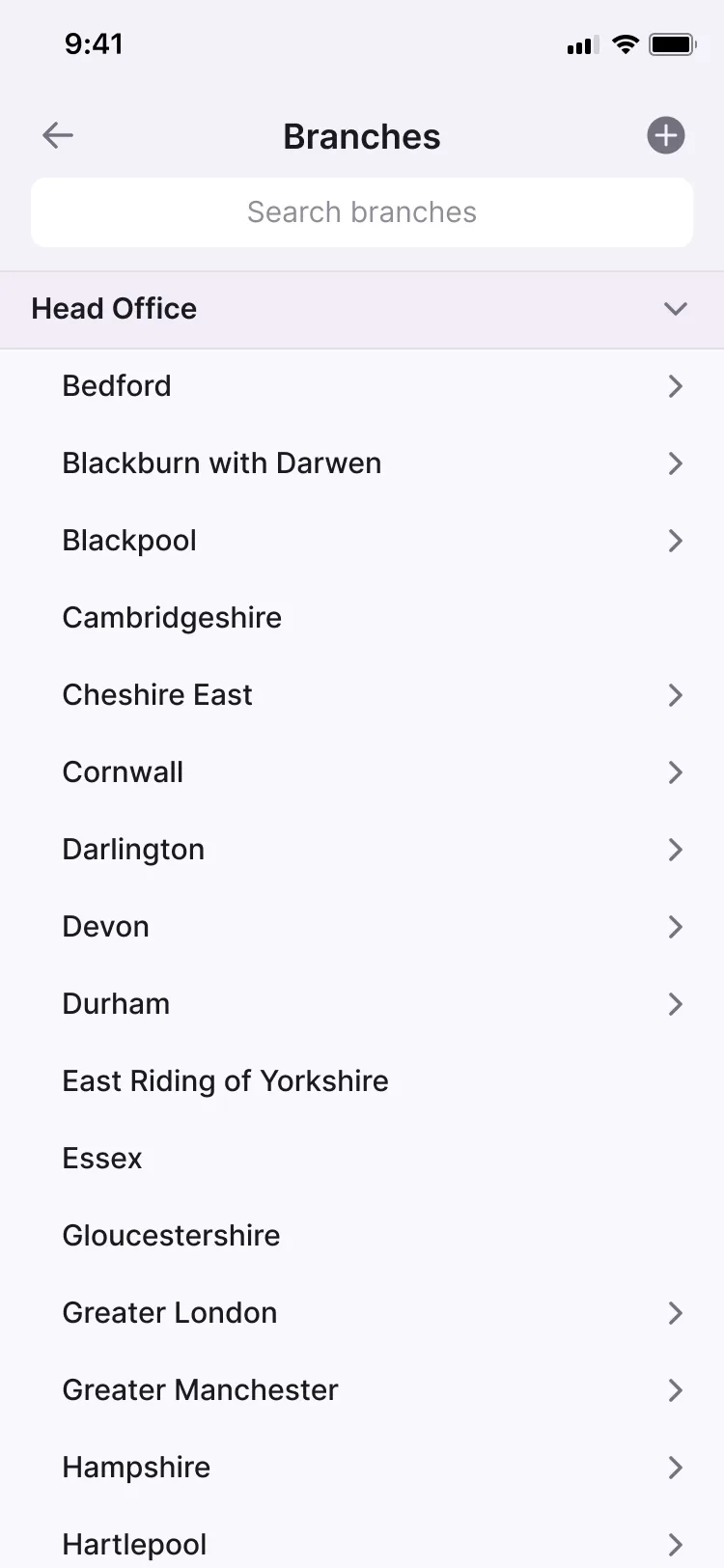
A business is organised into branches, and business reports cover its activity in the business app.
In the back office, staff find any business user, see them on a single card, and create, update or delete business users.
Checklist
All 13 Business Accounts & Staff Roles features
Where each one is available. The full feature list covers every module.
| Feature | Business app | Back office |
|---|---|---|
| Bulk invitationsInvite many people at once. | Business appAvailable | Not available |
| Staff management: invite, approve, block, removeBusinesses invite staff, approve or block them, and remove them. | Business appAvailable | Not available |
| Create a business profileUsers set up a business profile alongside their personal one. | Business appAvailable | Not available |
| Business profile dataThe business’s details, kept in its profile. | Business appAvailable | Not available |
| Business branchesOrganise a business into branches. | Business appAvailable | Not available |
| Business roles for usersGive each member of a business a role. | Business appAvailable | Not available |
| Dashboard layout by roleEach role sees a home screen suited to its work. | Business appAvailable | Not available |
| Switch between personal and business profilesMove between a personal profile and a business profile in the same app. | Business appAvailable | Not available |
| Role shiftsSupport for role shifts among a business’s staff. | Business appAvailable | Not available |
| Business reportsReports on the business’s activity, in the business app. | Business appAvailable | Not available |
| Business user list with search and filtersStaff find any business user in a searchable, filterable list. | Not available | Back officeAvailable |
| Business user cardStaff see a business user’s details on a single card. | Not available | Back officeAvailable |
| Create, manage and delete business usersStaff create, update and delete business users from the back office. | Not available | Back officeAvailable |
Related modules
Modules that work with this one

Customer Onboarding
Custom onboarding journeys with built-in KYC/KYB, approval rules and leading verification providers.

Merchant Payments & QR
Merchants take payments by account number, invoice, dynamic or static QR code, or on a web page.

Back Office
Staff access, administrator roles and permissions, and a card for every user.
From the blog
Further reading

Frequently asked questions
Yes. In the business app, users set up a business profile alongside their personal one and switch between them.
Businesses invite staff, approve or block them and remove them. Bulk invitations add many people at once.
Each member of a business has a role, and the home screen they see depends on it.
Yes. In the back office, staff find any business user, see their details on a single card, and create, update or delete business users.