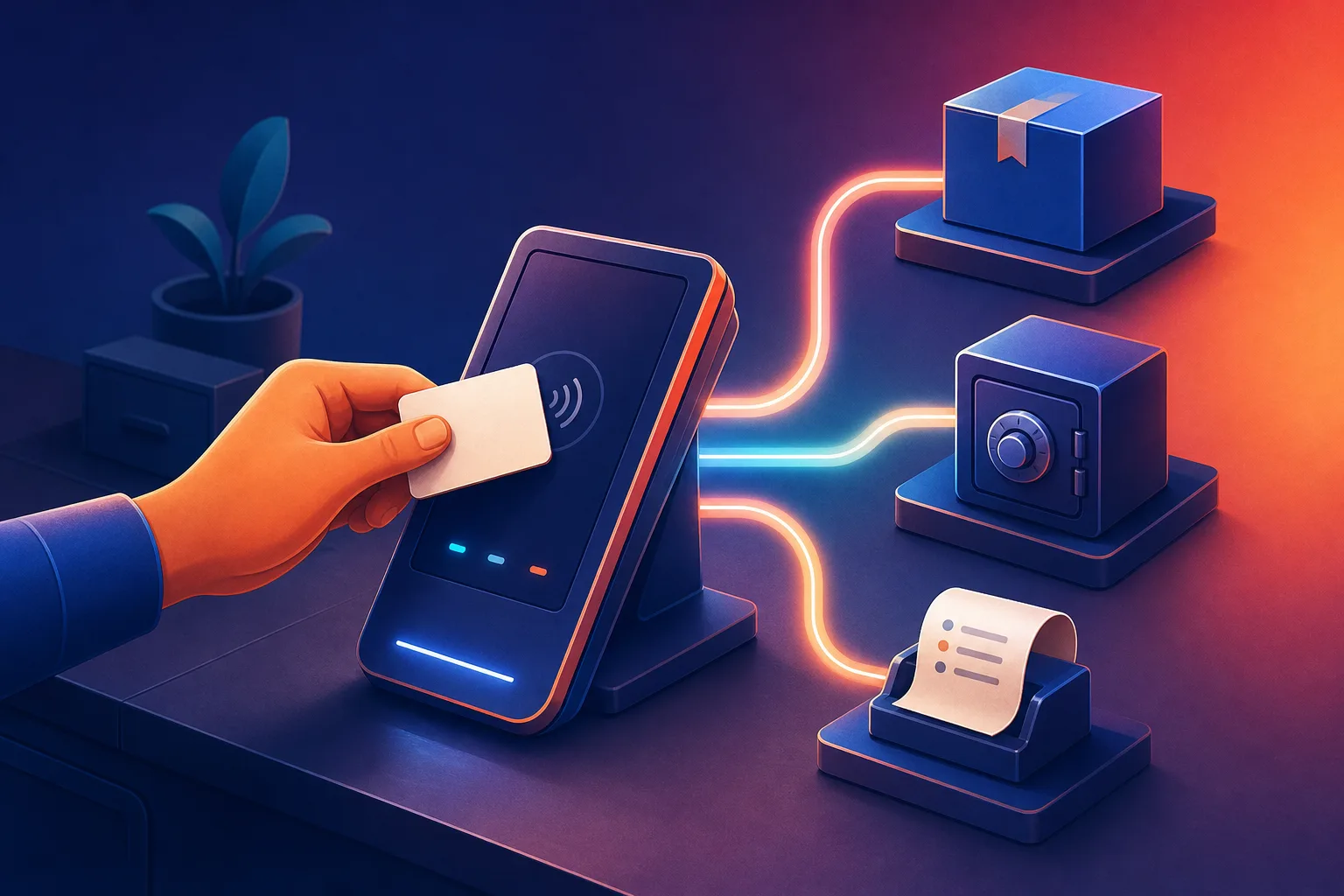
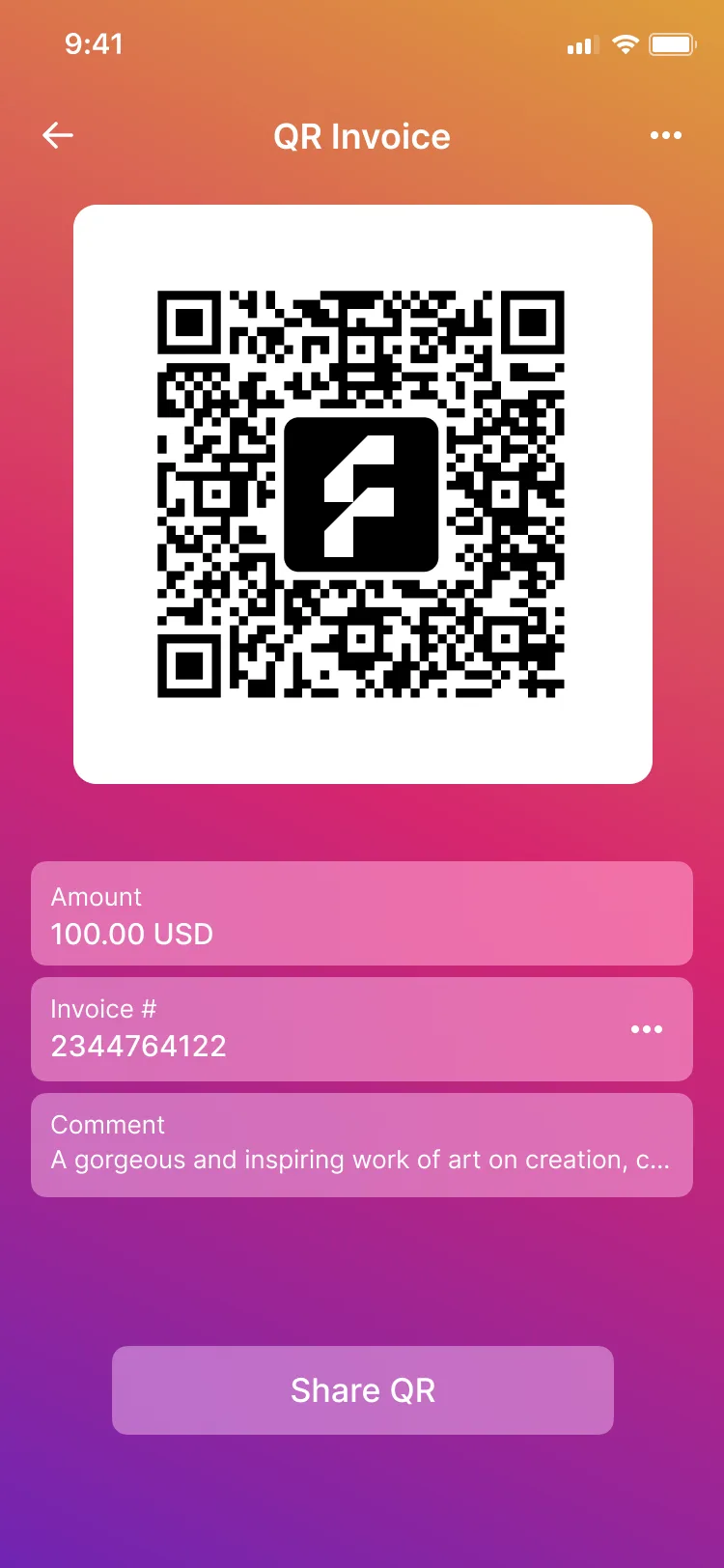
A QR code for the exact amount
Merchants generate a QR code for a set amount that the customer scans to pay.
- Amount set by the merchant
- Generated in the business app
Merchants take payments by account number, invoice, dynamic QR or a static QR at the till, and payments can also be made on a web page opened from a link.
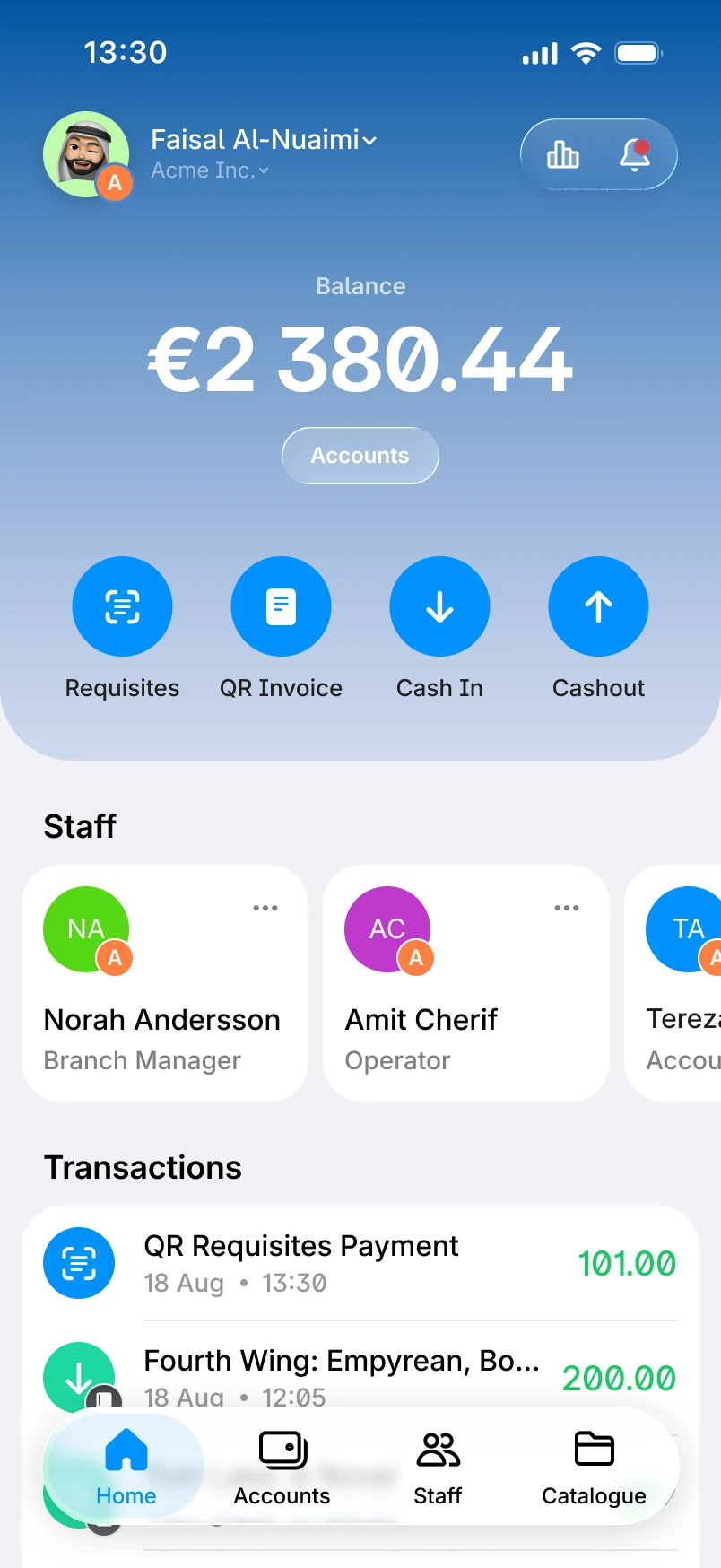
Ways to take a payment
Merchants generate a QR code for a set amount that the customer scans to pay.
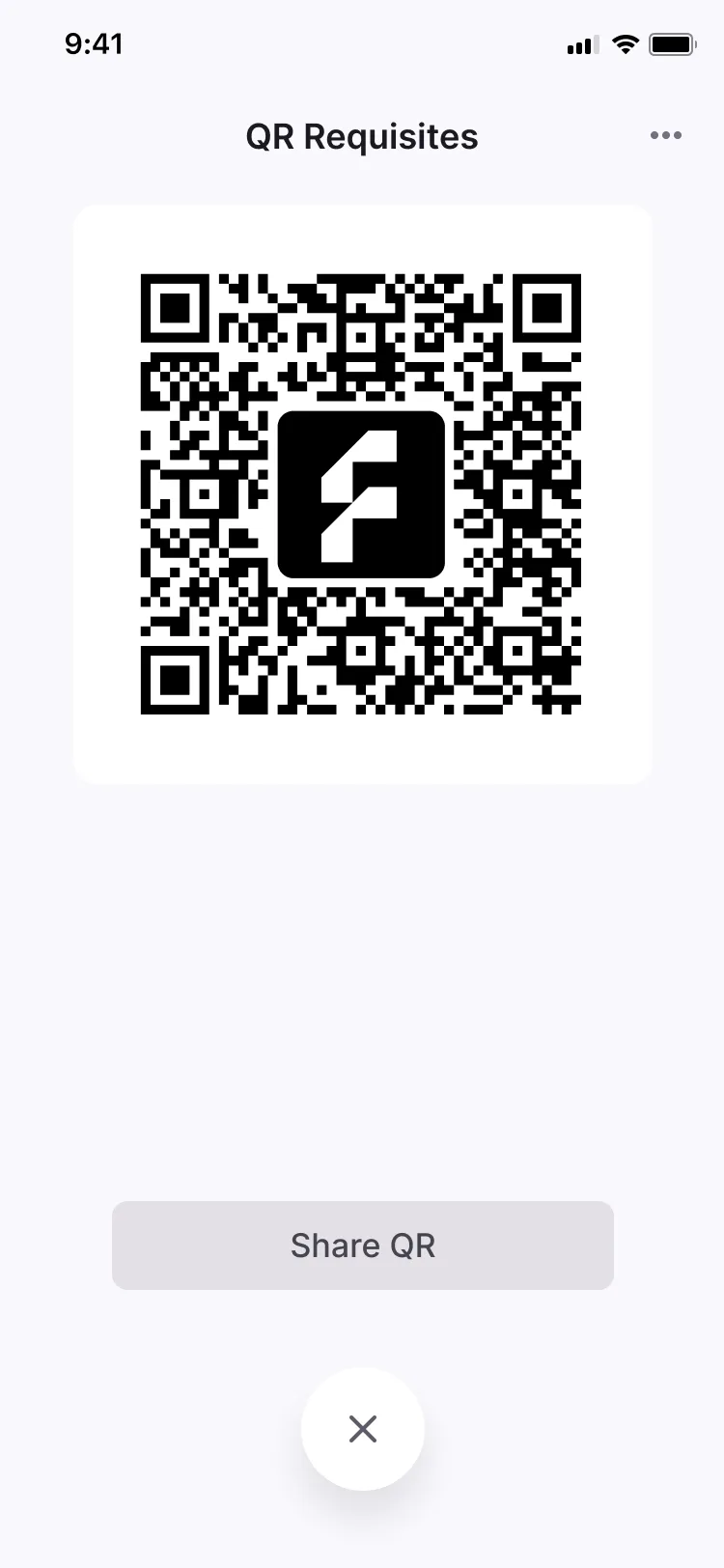
A fixed QR code carrying the merchant’s payment details, printed or shown at the point of sale.
Merchants issue invoices that customers pay in the app.
Merchants receive customer payments to their account number.
A web page for making a payment, opened from a shared link.
QR payments
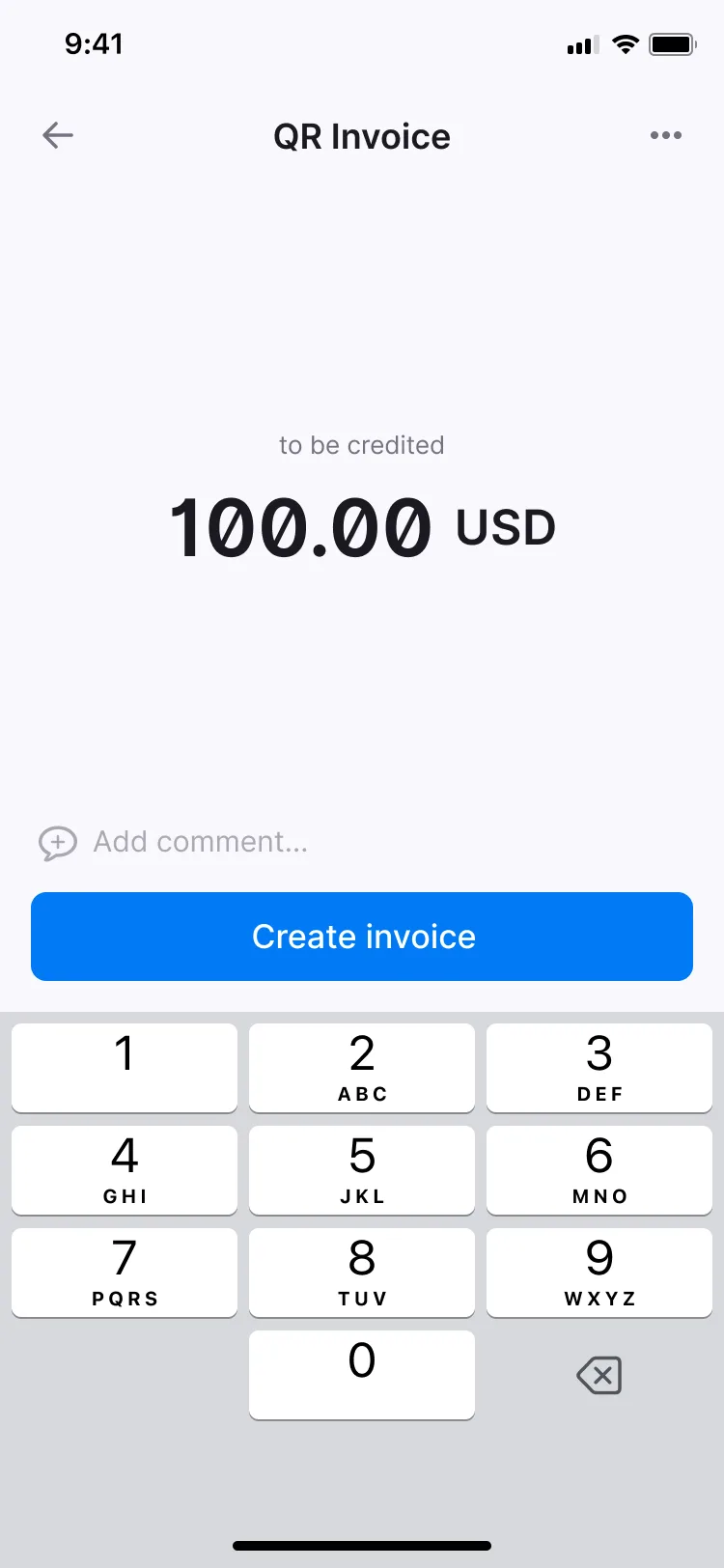
A dynamic QR code is generated for one payment, with the amount already set by the merchant.
A static QR code is fixed: it carries the merchant’s payment details, so it can be printed and kept at the point of sale.
Checklist
Where each one is available. The full feature list covers every module.
| Feature | Individual app | Business app |
|---|---|---|
| Pay a merchant (P2M) by account numberMerchants receive customer payments to their account number. | Not available | Business appAvailable |
| Pay a merchant (P2M) by invoiceMerchants issue invoices that customers pay in the app. | Not available | Business appAvailable |
| Pay a merchant (P2M) by QR invoice (dynamic QR)Merchants generate a QR code for a set amount that the customer scans to pay. | Not available | Business appAvailable |
| Static QR with payment detailsA fixed QR code carrying the merchant’s payment details, printed or shown at the point of sale. | Not available | Business appAvailable |
| Payment landing page (web)A web page for making a payment, opened from a shared link. | Individual appAvailable | Business appAvailable |
Case studies
Related modules

Seven ways to send money person to person (P2P) and four ways to request it (R2P).

A catalogue of goods and services with its own CMS, search, a map of merchants and favourites.

Business profiles, branches, staff roles and dashboards by role, in the same app as personal profiles.
From the blog
A dynamic QR code is generated for a set amount and a single payment. A static QR code is fixed and carries the merchant’s payment details, so it can be printed or shown at the point of sale.
In the business app: by account number, by invoice, by dynamic QR invoice and by static QR.
Yes. A payment landing page on the web, opened from a shared link.