Send to a phone number
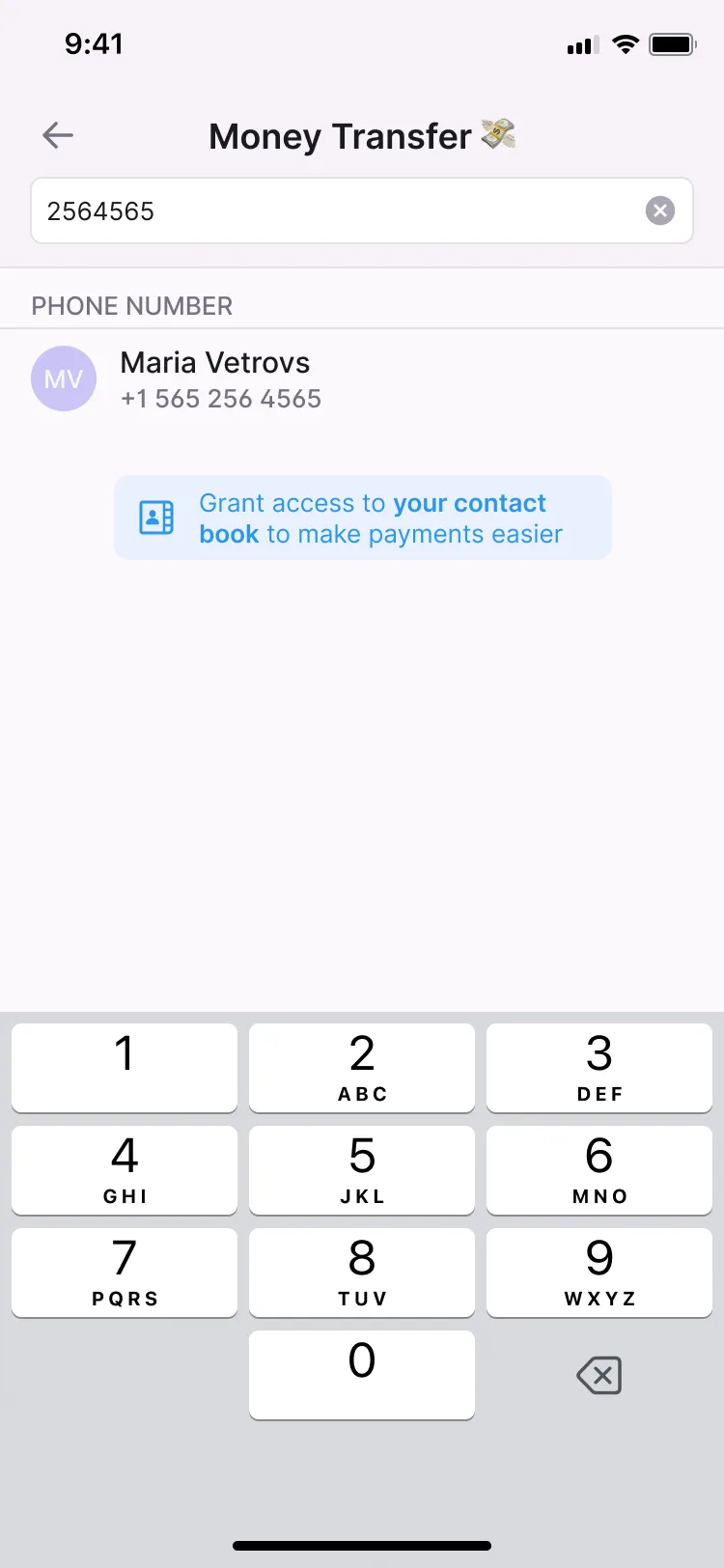
Send money to another user by entering their phone number.
- The number people already share
- In the individual app
Seven ways to send money person to person, four ways to request it, and a purpose on every payment so both sides know what it was for.
Seven ways to send
Send money to another user by entering their phone number.
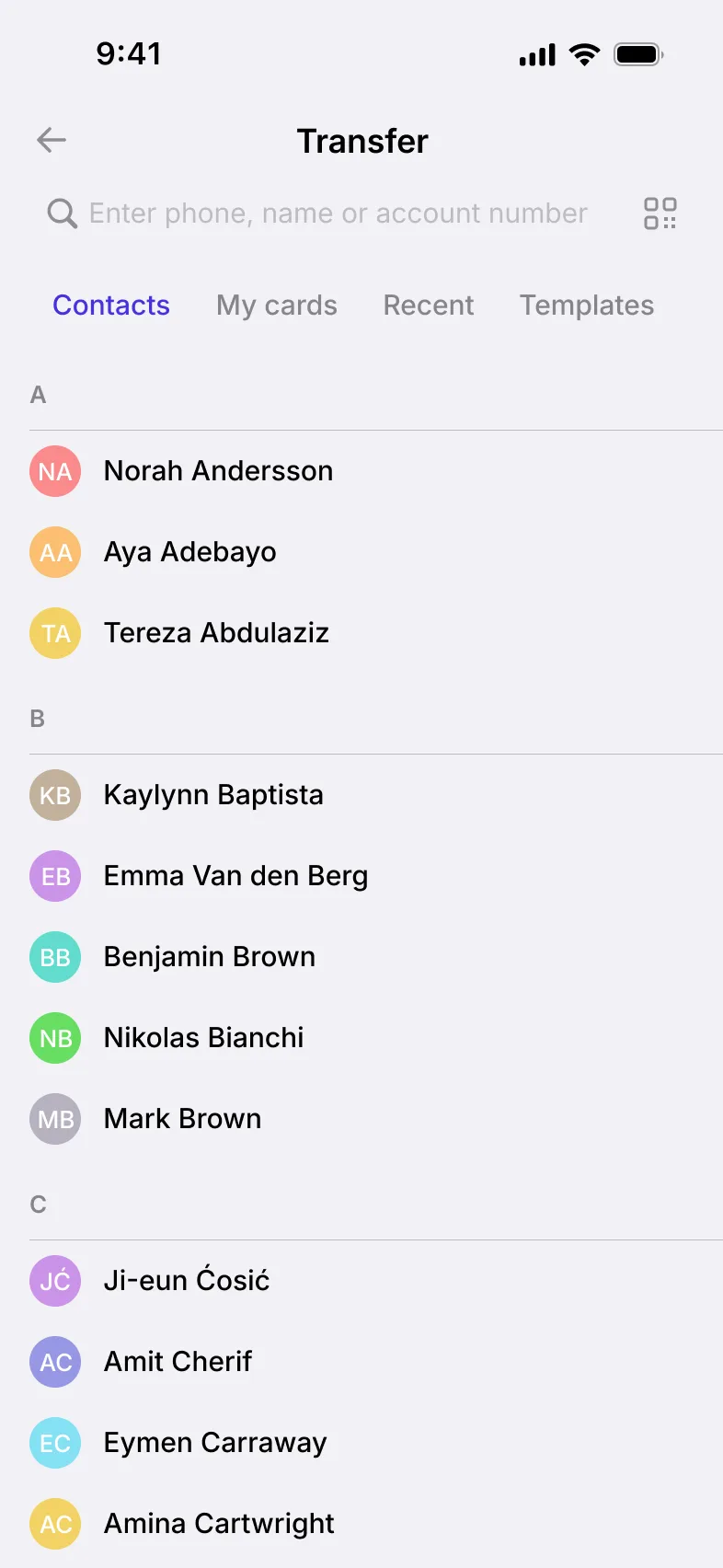
Pick the recipient straight from the phone’s address book.
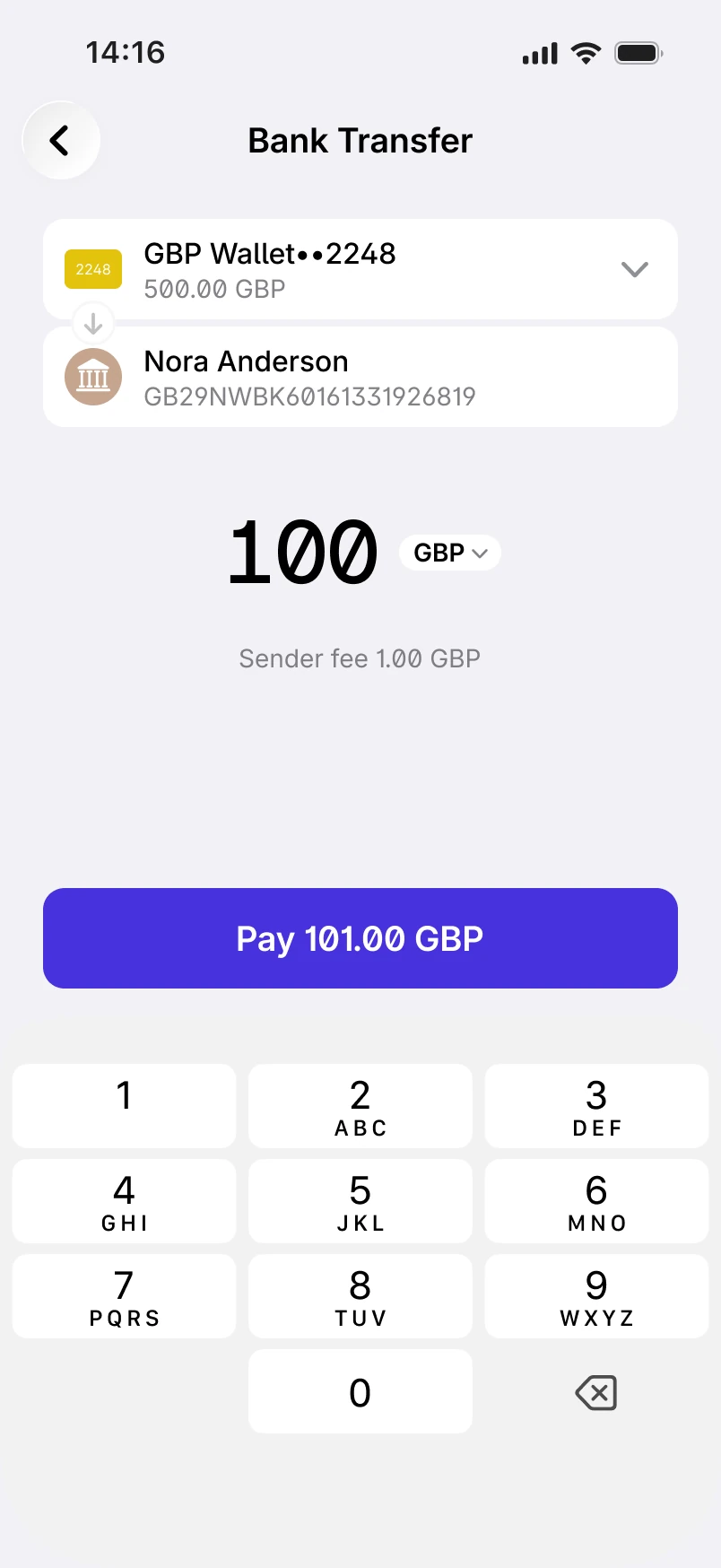
Send money to a wallet using its account number.
Scan another user’s QR code to send them money.
Send money by sharing a payment link.
Pay another user against an invoice they issued.
Send money with a gesture in the app instead of typing the recipient’s details.
Request to pay
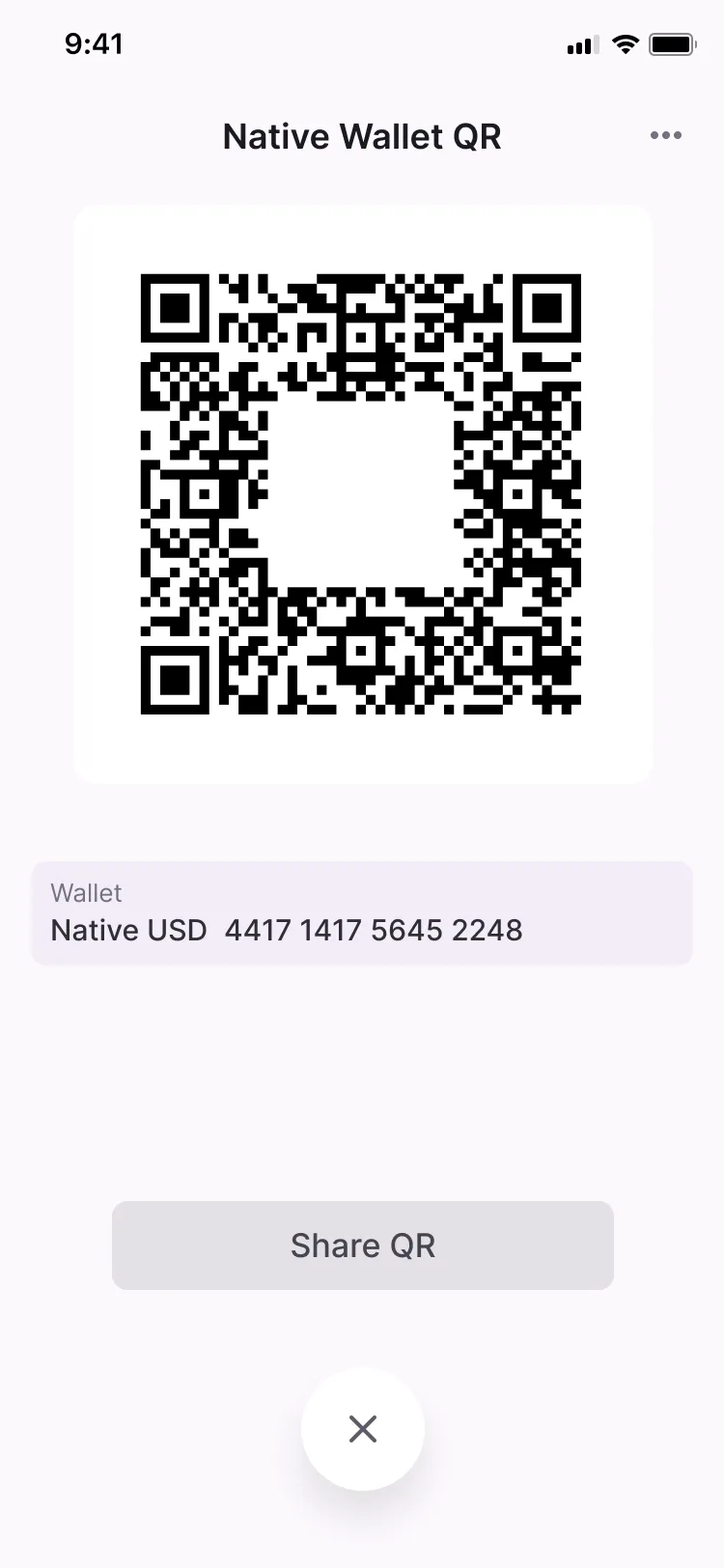
Users request money by phone number or account number, show a QR code the other person scans to pay, or share the request as a link.
Request to pay works in both the individual and business apps.
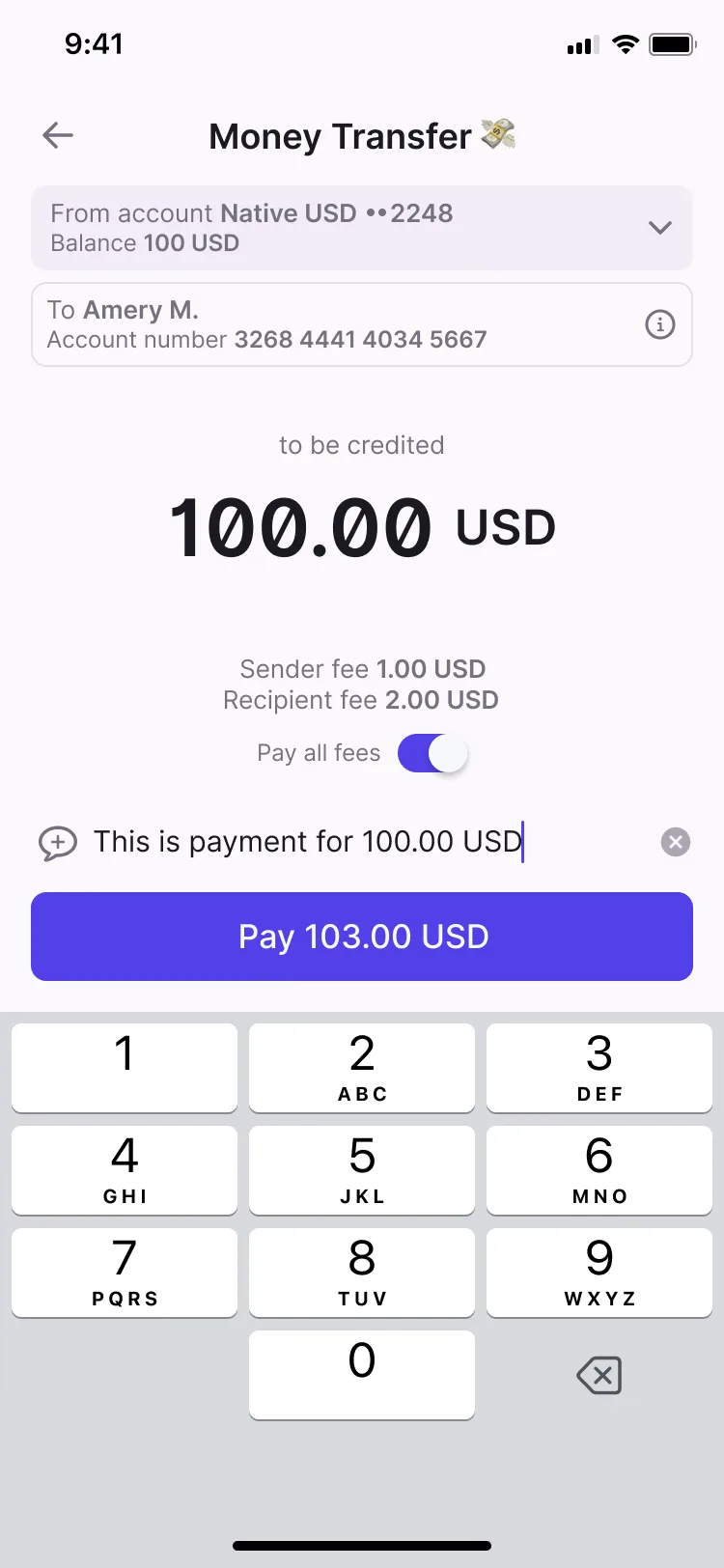
A payment purpose travels with the transfer, so both sides know what it was for.
Checklist
Where each one is available. The full feature list covers every module.
| Feature | Individual app | Business app |
|---|---|---|
| Send by phone numberSend money to another user by entering their phone number. | Individual appAvailable | Not available |
| Send to a contact from the address bookPick the recipient straight from the phone’s address book. | Individual appAvailable | Not available |
| Send by account numberSend money to a wallet using its account number. | Individual appAvailable | Not available |
| Send by QR codeScan another user’s QR code to send them money. | Individual appAvailable | Not available |
| Send by linkSend money by sharing a payment link. | Individual appAvailable | Not available |
| Send by invoicePay another user against an invoice they issued. | Individual appAvailable | Business appAvailable |
| Send by gestureSend money with a gesture in the app instead of typing the recipient’s details. | Individual appAvailable | Business appAvailable |
| Request to pay (R2P) by phone numberRequest money from another user by their phone number. | Individual appAvailable | Business appAvailable |
| Request to pay (R2P) by account numberRequest money from a wallet using its account number. | Individual appAvailable | Business appAvailable |
| Request to pay (R2P) by QR codeShow a QR code that the other person scans to pay you. | Individual appAvailable | Business appAvailable |
| Request to pay (R2P) by linkShare a payment request as a link. | Individual appAvailable | Business appAvailable |
| Payment purposeAdd a purpose to a payment so both sides know what it was for. | Individual appAvailable | Business appAvailable |
Related modules

Merchants take payments by account number, invoice, dynamic or static QR code, or on a web page.

History, search and filters, PDF receipts, reporting and reversals, and spending by category.

Fee rules, wallet and credit limits, and payment routing, set from the back office.
From the blog
Seven: by phone number, from the address book, by account number, by QR code, by link, against an invoice and by gesture.
Paying against an invoice and sending by gesture work in both apps. The other five ways to send are in the individual app; businesses take payments through the Merchant Payments & QR module.
Yes, in both apps: by phone number, by account number, with a QR code the other person scans, or with a shareable link.
Yes. Users see the fee and the total before they confirm a payment. Fees are set in the back office, as part of the Fees, Limits & Routing module.