Transactions & Receipts
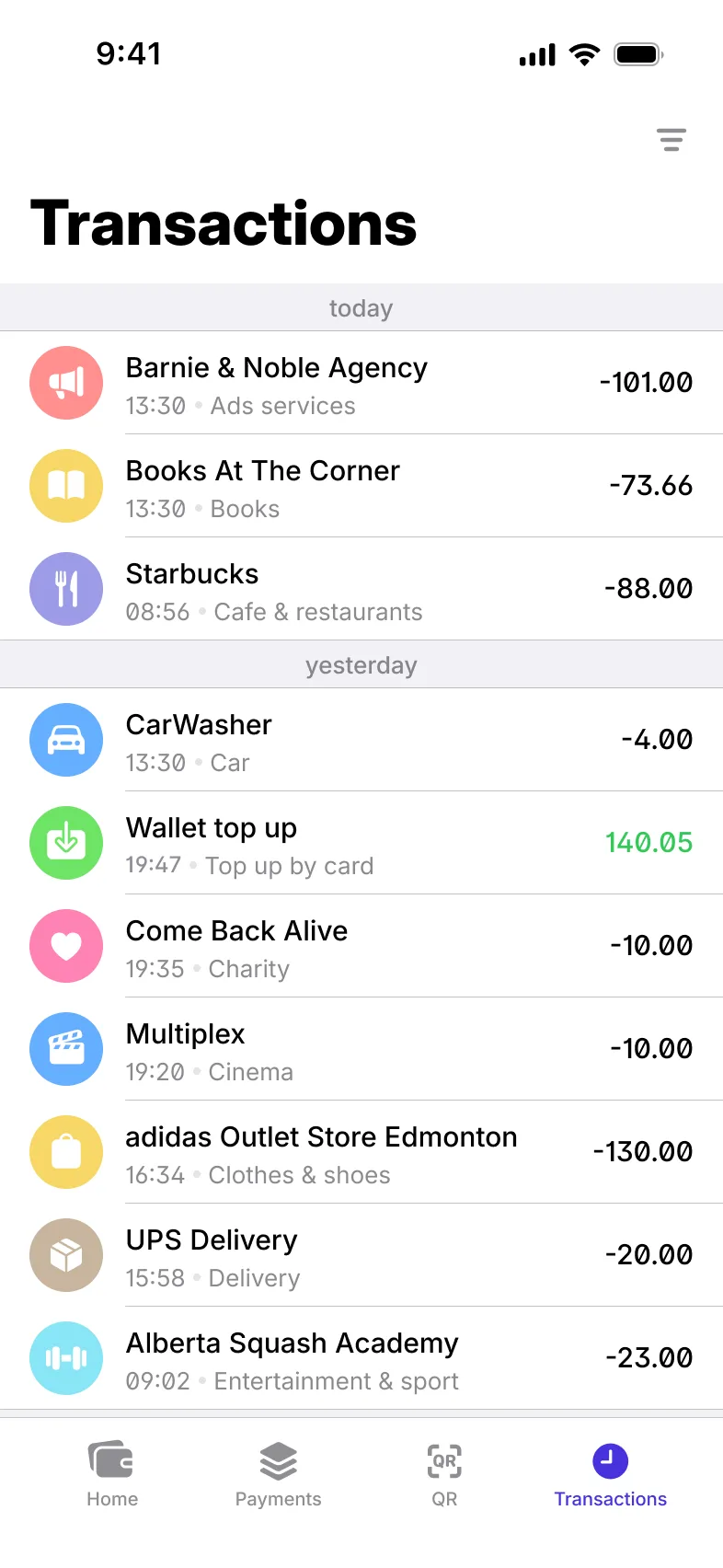
A history users can search and filter, full details on every transaction, PDF receipts they can share, and a clear path when something goes wrong.
- Individual app
- Business app
- Back office
Every transaction, accounted for
History, receipts and a way to put things right
Search, filter and categorise
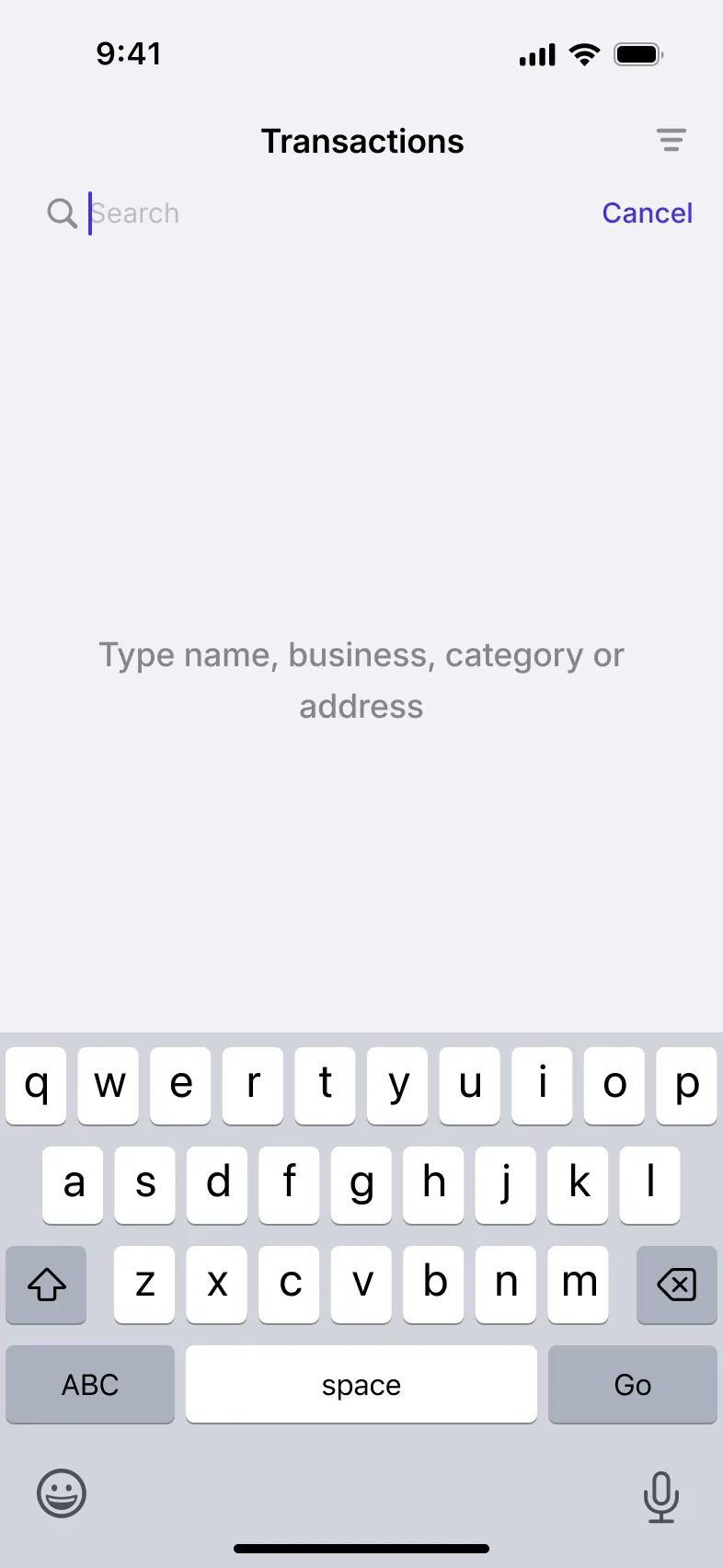
A full history of the user’s transactions, with search, filters and categories that can be customised.
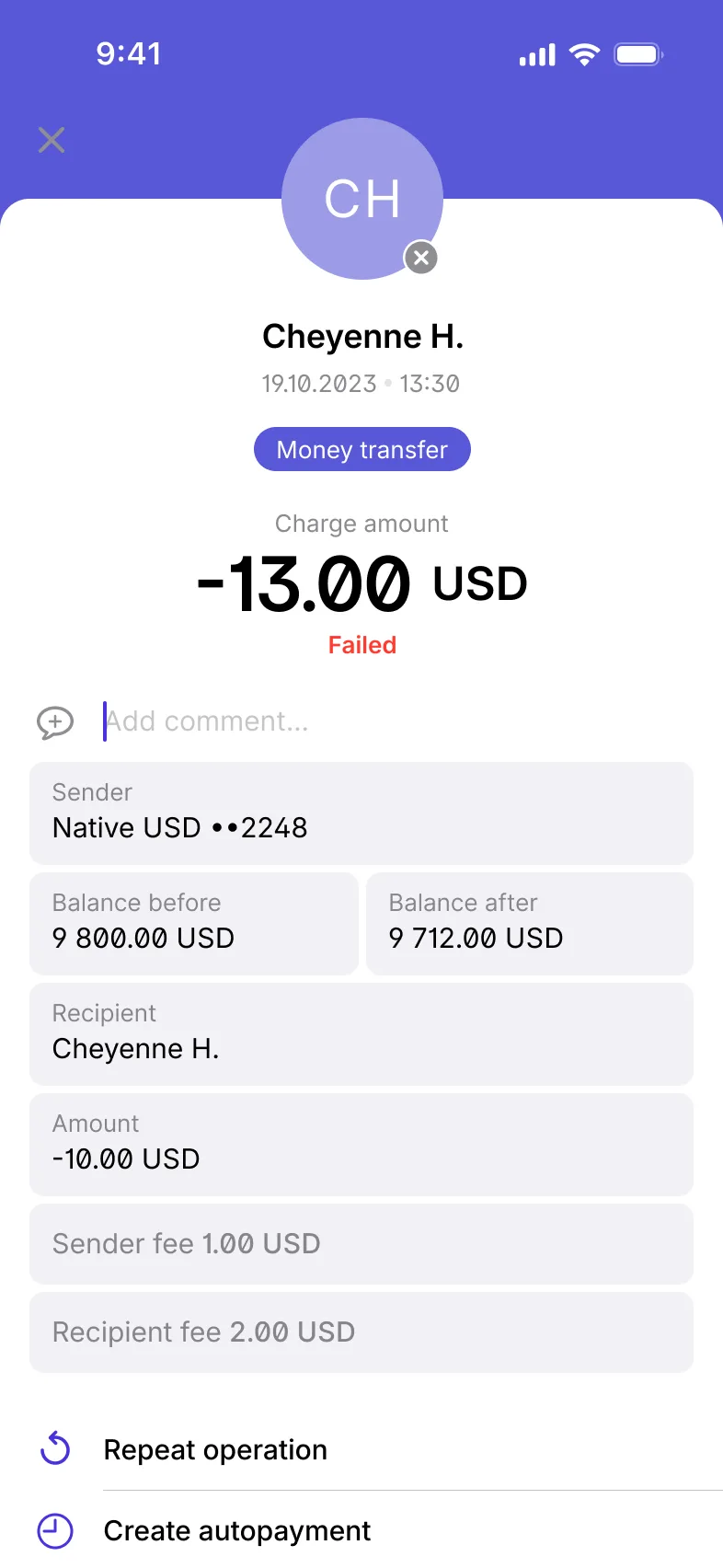
Every transaction opens to show its full details, and can be repeated without entering them again.
coming from the materials brief
PDF receipts, ready to share
Any transaction produces a PDF receipt, laid out from a template, that users share straight from the app.
Report, decline or reverse
Users report a transaction they don’t recognise, or decline one instead of accepting it.
In the back office, staff find any transaction, open it on a single card, handle reported transactions and reverse or cancel them.
coming from the materials brief
Spending by category
Users see spending by category for the whole profile or for a single wallet, alongside a log of their activity in the app.
Checklist
All 17 Transactions & Receipts features
Where each one is available. The full feature list covers every module.
| Feature | Individual app | Business app | Back office |
|---|---|---|---|
| Payment reversalA payment can be rolled back when it needs to be undone. | Individual appAvailable | Business appAvailable | Not available |
| Report a transactionUsers flag a transaction they don’t recognise or have a problem with. | Individual appAvailable | Business appAvailable | Not available |
| Decline a transactionUsers can decline a transaction instead of accepting it. | Individual appAvailable | Business appAvailable | Not available |
| Transaction historyA full list of the user’s transactions. | Individual appAvailable | Business appAvailable | Not available |
| Search transactionsFind a transaction by searching the history. | Individual appAvailable | Business appAvailable | Not available |
| Transaction filtersNarrow the history down with filters. | Individual appAvailable | Business appAvailable | Not available |
| Transaction detailsEvery transaction opens to show its full details. | Individual appAvailable | Business appAvailable | Not available |
| Custom transaction categoriesTransactions are sorted into categories that can be customised. | Individual appAvailable | Business appAvailable | Not available |
| PDF receipt for any transactionGenerate a PDF receipt for a transaction. | Individual appAvailable | Business appAvailable | Not available |
| PDF receipt templatesReceipts follow templates, so every receipt has the same layout. | Individual appAvailable | Business appAvailable | Not available |
| Share PDF receiptsShare a receipt straight from the app. | Individual appAvailable | Business appAvailable | Not available |
| Repeat a transactionRepeat a past transaction without entering its details again. | Individual appAvailable | Business appAvailable | Not available |
| Spending by category, per profile and walletSee spending by category for the whole profile or for a single wallet. | Individual appAvailable | Business appAvailable | Not available |
| Activity logA log of the user’s activity in the app. | Individual appAvailable | Business appAvailable | Not available |
| Transaction list with search and filtersStaff find any transaction in a searchable, filterable list. | Not available | Not available | Back officeAvailable |
| Transaction cardStaff see a transaction’s details on a single card. | Not available | Not available | Back officeAvailable |
| Transaction management: reported, reversed, cancelledStaff handle reported transactions and reverse or cancel them. | Not available | Not available | Back officeAvailable |
Related modules
Modules that work with this one

Send & Request Money
Seven ways to send money person to person (P2P) and four ways to request it (R2P).

Recurring Payments, Subscriptions & Payouts
Scheduled payments, subscriptions, templates, repayments and payout schemes.

Back Office
Staff access, administrator roles and permissions, and a card for every user.
From the blog
Further reading



Frequently asked questions
Yes. Any transaction produces a PDF receipt, laid out from a template, that users can share from the app.
Reported transactions are handled in the back office, where staff can reverse or cancel them.
Yes. Transactions are sorted into categories that can be customised, and users see their spending by category.